
What I Studied
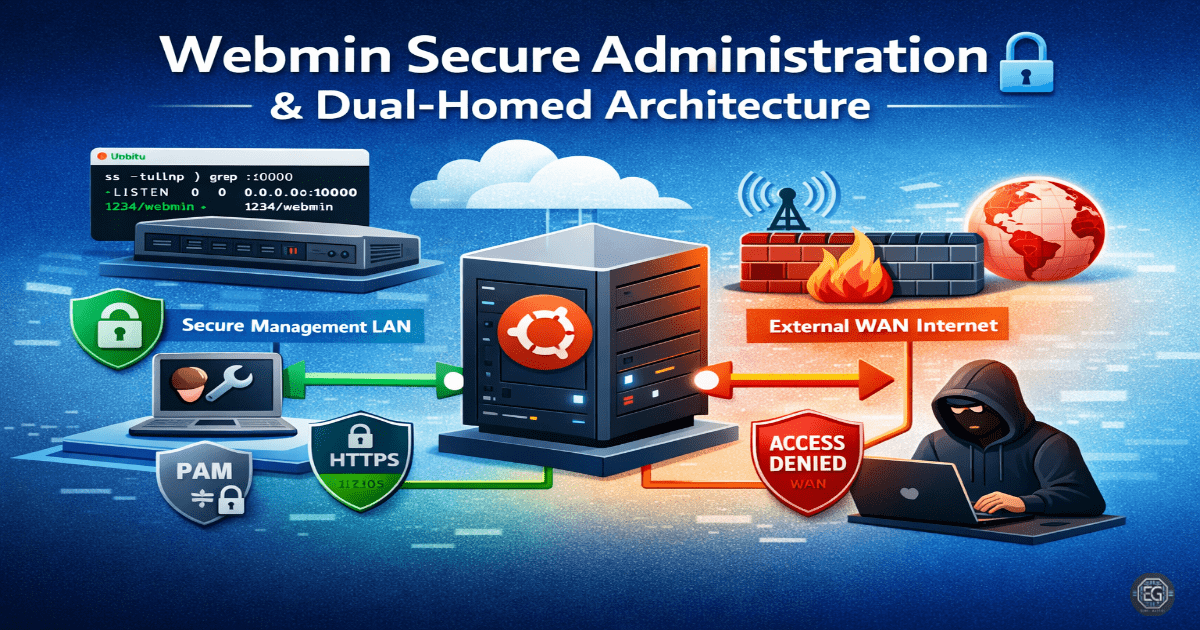
This lab focused on deploying and securing Webmin on Ubuntu 24.04. The main goal was to use a dual-homed network setup to separate management traffic from external network traffic.
I worked with VirtualBox networking, Netplan configuration, and Webmin service management. I also used tools like ss and ping to verify connectivity and service status.
What I Learned
I learned how to configure multiple network adapters on a virtual machine and assign static IP addresses using Netplan.
I observed that Webmin listens on all interfaces by default (0.0.0.0), which is not secure. Limiting access to a private interface improves security.
I also ran into a VirtualBox issue where the GUI network name did not match the actual configuration. This showed that checking IP addresses is more reliable than trusting interface labels.
Why It Matters
Separating management traffic from external traffic reduces the risk of unauthorized access.
By isolating Webmin on a private network, attackers on the WAN cannot detect or access the management port.
This approach supports secure system administration and reduces the overall attack surface.
How It Maps to the Job / Framework
NICE Framework (SP-SYS-001):
Focuses on system setup, network configuration, and troubleshooting.
ASD Cyber Skills Framework (SADM):
Covers secure system configuration and maintaining system performance.
Practical Use:
This setup is commonly used in data centers and cloud environments where management access is restricted to secure internal networks.
Key Takeaways
- Do not expose management interfaces to public networks
- Use network isolation to improve security
- Verify network configuration using IP-level checks
- Use PAM for better authentication control
- Always validate results with tools like ping and
ss
Related Projects
REPORT – Webmin Secure Administration (Dual-Homed) – v1.1.0