
0.0 Executive Summary
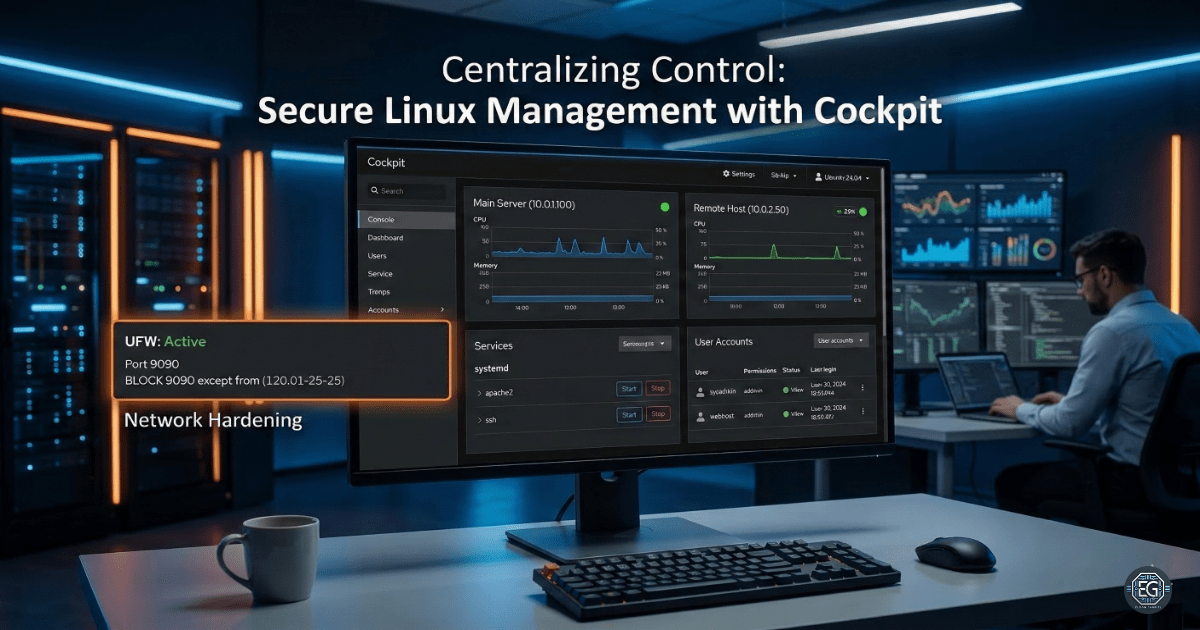
This report documents the implementation of Cockpit for centralized, web-based management of multiple Linux hosts. The project successfully demonstrated the installation, service orchestration, and multi-host integration of Ubuntu systems. Key security hardening measures were applied, including UFW firewall restrictions on port 9090 and SSH credential management, to mitigate risks associated with web-based administrative access. The final result established a secure, scalable management plane for monitoring system logs, user accounts, and service health across a distributed environment.
1.0 Secure Linux Management with Cockpit
1.1 Project Description
The objective of this task was to deploy and secure the Cockpit management interface on a primary Ubuntu VM and extend orchestration to a secondary remote host. The project aimed to provide a unified dashboard for system monitoring, service control, and terminal execution. The environment was designed to validate secure remote management practices, focusing on the reduction of lateral movement risks and the enforcement of encrypted communication channels between managed nodes.
1.2 Technical Task / Troubleshooting Process
The process focused on the installation of the Cockpit ecosystem and the subsequent hardening of the network attack surface.
Key Actions & Observations
- Service Deployment: Installed and enabled the
cockpitservice, verifying its status viasystemctlto ensure operational readiness. - Network Audit: Confirmed Cockpit was listening on the default port 9090 and identified the need for firewall-level access controls.
- Orchestration Setup: Integrated a secondary Linux host into the primary dashboard, requiring SSH key exchange and remote service validation.
- Resource Monitoring: Utilized the “Services” and “Logs” modules to identify running processes and troubleshoot system-level events across multiple hosts.
Root Cause: The default installation of Cockpit leaves port 9090 exposed to all network traffic, necessitating the manual implementation of IP-based filtering via UFW.
1.3 Resolution and Validation
System accessibility was secured through firewall configuration and the enforcement of strong authentication protocols.
| Parameter | Configuration Value |
|---|---|
| Management Tool | Cockpit (v1.0.1) |
| Default Port | 9090 |
| Firewall | UFW (Restricted to Admin IP) |
| Auth Method | SSH Keys / Strong Passwords |
Validation Steps
- Connectivity Check: Successfully accessed the Cockpit Web UI via
https://[IP]:9090. - Multi-Host Verification: Confirmed that the secondary VM was responsive and manageable through the primary host’s dashboard.
- Security Audit: Verified that UFW blocked unauthorized connection attempts to port 9090 from non-trusted subnets.
2.0: CONCLUSION
2.1 Key Takeaways
- Centralized Visibility: Cockpit significantly reduces the complexity of managing multiple Linux nodes by aggregating logs and services into a single interface.
- Hardening Necessity: Web-based management tools introduce new attack vectors; port-level filtering and HTTPS are mandatory for secure deployment.
- Standardized Orchestration: Managing remote hosts through a single pane of glass ensures consistent security policy application across the network.
2.2 Security Implications & Recommendations
Risk: Brute-Force and Unauthorized Access Exposed management ports (9090) are high-priority targets for automated scanning and brute-force attacks.
Mitigation: Restrict access to port 9090 using UFW or a hardware firewall to trusted administrator IP ranges only.
Risk: Privileged Lateral Movement Compromise of a primary management host could allow an attacker to pivot to all connected secondary nodes.
Mitigation: Disable root login via SSH on all managed hosts and enforce the use of secure SSH key-based authentication for administrative accounts.