
0.0 Executive Summary
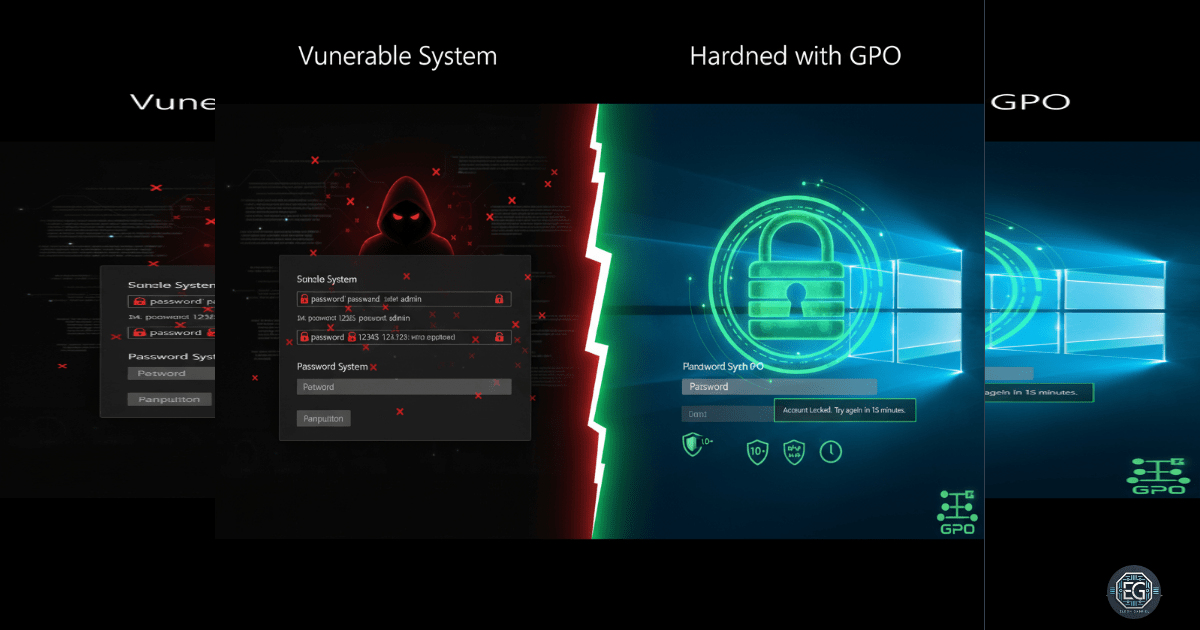
This report documents the deployment of a hardened authentication baseline on a Windows 10 endpoint using Local Group Policy Objects (GPOs). The project successfully enforced password complexity, expiration, and account lockout thresholds to mitigate the risk of brute-force and dictionary attacks. By disabling insecure authentication fallbacks like reversible encryption and PINs, the environment achieved alignment with CIS Benchmarks and NIST 800-53 (IA Family) standards.
The final result established a persistent security posture that prevents the use of weak credentials and restricts unauthorized login attempts.
1.0 Password & Lockout GPO Hardening
1.1 Project Description
The objective of this task was to secure a Windows 10 workstation by configuring strict logon and password policies. The project aimed to utilize the Local Group Policy Editor to implement a defensive baseline that governs how users create and maintain credentials.
The environment focused on protecting system access from automated attack tools, ensuring that account lockouts trigger after a set number of failed attempts and that passwords meet organizational complexity requirements to reduce the likelihood of successful credential exploitation.
1.2 Technical Task / Troubleshooting Process
The process focused on the systematic application of security settings within the Account Policies node of the Local Group Policy Editor.
Key Actions & Observations
-
Complexity Enforcement: Configured password complexity requirements and minimum lengths to prevent the creation of easily guessable credentials.
-
Lockout Configuration: Established account lockout thresholds and durations to effectively neutralize automated brute-force attempts.
-
Encryption Hardening: Disabled “Store passwords using reversible encryption,” ensuring that stored credentials are not susceptible to simple recovery if the database is compromised.
-
Authentication Cleanup: Disabled weaker authentication methods, such as PINs, to remove non-compliant bypasses to the primary password policy.
Root Cause: Default Windows installations often lack strict account lockout and complexity rules, leaving systems vulnerable to rapid, automated credential guessing.
1.3 Resolution and Validation
Operational security was finalized by verifying that the newly applied policies governed user creation and logon behavior.
| Parameter | Configuration Value |
|---|---|
| Control Framework | NIST 800-53 (IA Family) |
| Tool Used | gpedit.msc |
| Lockout Threshold | Configured |
| Complexity Status | Enabled |
Validation Steps
-
Policy Audit: Confirmed via the Local Security Policy console that all logon and lockout settings were marked as active.
-
Behavioral Test: Verified that the system correctly enforced the new rules when attempting to create a test account with non-compliant credentials.
-
Persistence Check: Confirmed that the authentication baseline remained active across system restarts and policy refreshes.
2.0: CONCLUSION
2.1 Key Takeaways
-
Brute-Force Mitigation: Account lockout policies are a fundamental defense that limits the speed and effectiveness of automated password guessing.
-
Credential Hygiene: Mandatory complexity and expiration ensure that the “human element” does not introduce weak points into the system’s security posture.
-
Baseline Discipline: Enforcing these settings at the OS level ensures that security is applied consistently rather than relying on individual user choices.
2.2 Security Implications & Recommendations
Risk: Automated Credential Exploitation Systems without account lockout thresholds are vulnerable to continuous, high-speed dictionary attacks until a password is found.
Mitigation: Enforce account lockout policies with reasonable thresholds and utilize Windows Security Logs to monitor for abnormal volumes of failed login attempts.
Risk: Weak Credential Usage Without complexity rules, users often select simple, reusable passwords that are easily compromised through social engineering or data breaches.
Mitigation: Transition local authentication settings to a domain-level GPO in enterprise environments to ensure uniform password complexity and lockout rules are synchronized across all organizational assets.