
0.0 Executive Summary
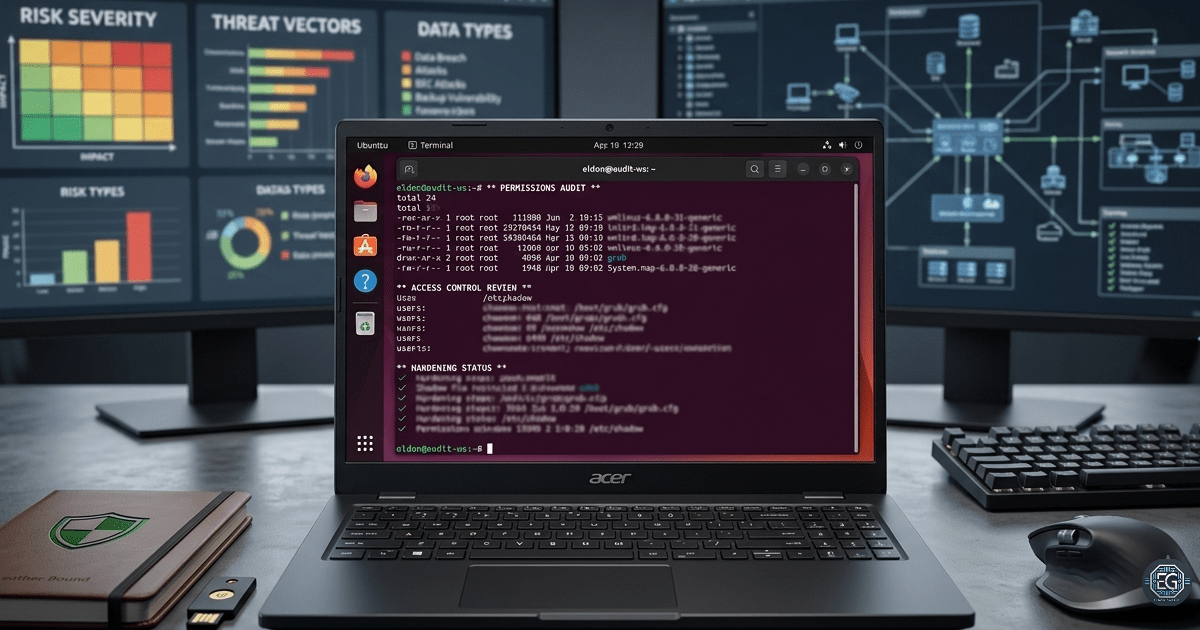
This report documents an authorized security-hardening project on a Linux system. The goal was to protect critical boot and account files from unauthorized modifications. The assessment focused on a test environment that ran the Ubuntu Server 24.04. The system was used to test the file permission controls.
This involves reviewing the settings and enforcing ownership rules for sensitive system assets. The results show that unauthorized access was successfully blocked. This demonstrates the importance of proper file permissions and system hardening.
1.0 Securing Boot and Authentication Files
1.1 Project Description
The purpose of this task was to develop Linux administration and security auditing skills.
The work included:
- Restricting access to the boot directory to prevent unauthorized changes
- Protecting bootloader configuration files with proper ownership
- Restricting permissions on sensitive password files
- Verifying system settings against security benchmarks
- Managing configuration updates safely during maintenance cycles
This process helps administrators identify weak file permissions before they become a security risk.
1.2 Technical Task / Troubleshooting Process
The assessment focused on reviewing file permissions and checking the account security data.
Key Actions and Observations
- Verified current permissions and ownership across the target system paths.
- Changed the
/bootdirectory to read and execute permissions. - Assigned root ownership to the grub bootloader configuration file.
- Restricted modifications to the bootloader configuration file.
- Assigned root ownership and group permissions to the password files.
- Restricted read and write access to the password database.
- Reviewed the file locations used by the Ubuntu Server.
- Identified file errors caused by executing commands without administrative rights.
- Used sudo to apply the required changes.
- Verified that the correct permission bits were active on the files.
Root Cause: The changes failed because some commands were run without administrator privileges and some file paths were incorrect. The issue was resolved by using sudo and verifying the correct file locations.
1.3 Resolution and Validation
The security settings were tested to confirm that only authorized users could access or modify the critical system files.
| Parameter | Configuration Value |
|---|---|
| Assessment Tool | Linux Permission Controls |
| Target Assets | Boot and Authentication Files |
| Assessment Type | Security Hardening |
| Operating System | Ubuntu Server 24.04 |
| Ownership | Root User |
| File Protection | Restricted Access Controls |
Validation Steps
- The
/bootdirectory no longer allowed unauthorized write access. - Confirmed that the bootloader configuration file could only be modified by the root user.
- Ownership settings were verified to be correctly applied to critical boot files.
- The shadow password file was restricted to authorized users.
- All permission changes remained active after validation testing.
2.0 CONCLUSION
2.1 Key Takeaways
- File permissions play a major role in the security of Linux systems.
- Critical boot and authentication files should only be accessible to authorized administrators.
- Different Linux distributions may store configuration files in different locations.
- Regular permission reviews help to keep critical files secure.
2.2 Security Implications and Recommendations
Risk: Weak Boot File Permissions
Weak permissions may allow unauthorized users to modify the boot settings or prevent the system from starting correctly.
Recommendation: Restrict write access to boot files and allow changes only through approved administrative processes.
Risk: Unauthorized Access to Authentication Files
If authentication files are exposed, attackers may gain access to sensitive account information.
Recommendation: Restrict ownership and permissions on authentication files to the root user.
Best Practices
- Back up the configuration files before making changes.
- Apply the principle of the least privilege to critical system files.
- Regularly review file permissions.
- Validate the changes after system updates and maintenance.
Framework Alignment
- Supports the NIST SP 800-53 access control requirements.
- Aligns with CIS Linux Benchmark file-permission recommendations.
- Supports ISO 27001 access control and system security.