
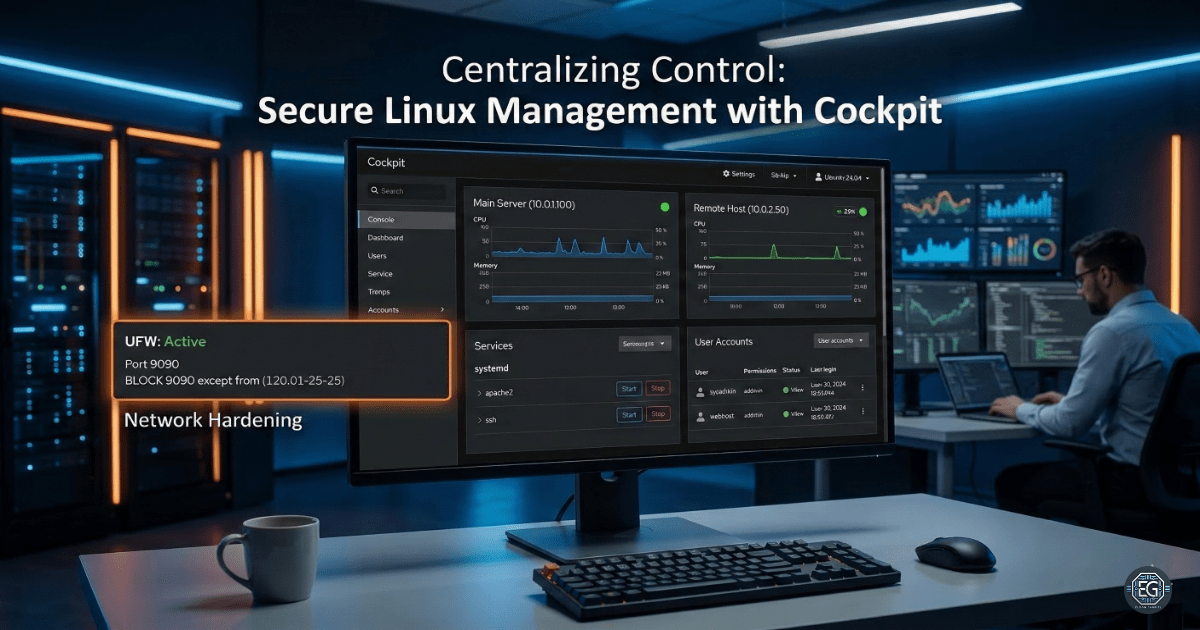

Centralizing Control: Secure Linux Management with Cockpit
Managing a single Linux server is simple. However, as more systems are added, it becomes harder to track activity and maintain security. This project focused on setting up a web-based tool to manage multiple systems from one place while keeping security in mind.
What I Studied
This exercise focused on setting up and securing Cockpit, a web-based tool used to manage Linux systems. The goal was to move away from using only the terminal and instead manage systems from a central dashboard.
- Module: MSAF – System Administration Fundamentals (Level 2)
- Tools & Techniques: Ubuntu 24.04 LTS, Cockpit, systemd services, UFW (Uncomplicated Firewall), and SSH for connecting multiple systems
- Core Focus: Used basic security concepts such as user access control and network restrictions
What I Learned
Managing Services in One Place
I learned how to start, stop, and monitor system services using a web dashboard. This makes it easier to respond to system issues.
Managing Multiple Systems with SSH
One main system was connected to another Linux machine using SSH. This shows that multiple systems can be controlled without installing extra software.
Security Risks of Web Tools
Cockpit gives access to system data like /etc/passwd and logs. It also opens port 9090, which must be secured to prevent attacks.
Why It Matters
In real environments, it is important to see what is happening on a system. If an admin cannot quickly detect a failed service or an unknown user, it increases response time.
Cockpit makes system management easier, especially for newer administrators. However, access must be restricted using tools like UFW so only trusted users can connect.
How It Maps to the Job / Framework
NIST NICE – System Administrator (SP-SYS-001)
This project builds skills in installing software, managing users, and controlling system access.
ASD Cyber Skills Framework – System Administration (SADM)
Shows the ability to deploy systems and apply basic security settings.
Key Takeaways
-
Security Comes First
Access to port 9090 should always be restricted using UFW. -
SSH Must Be Secured
Multi-system access depends on SSH. Disable root login and use secure settings. -
System Logging is Important
All actions in Cockpit are logged, which helps track activity and meet security requirements. -
Simple Tools Scale Well
Using SSH instead of extra software makes systems easier to manage and secure.
Related Projects
SOP – Secure Linux Management & Multi-Host Orchestration – v1.0.1
Technical Skills Demonstrated
- Linux system administration (Ubuntu 24.04)
- Cockpit web-based system management
- systemd service management
- Firewall configuration using UFW
- SSH-based remote system management
- Basic system hardening and access control
Conclusion
This project showed how Cockpit can simplify Linux system management through a single web interface. It improves visibility and control across multiple systems. However, proper security measures such as firewall rules and SSH hardening are required to protect the system.
When used correctly, Cockpit provides a strong balance between ease of use and secure system administration.