
0.0 Executive Summary
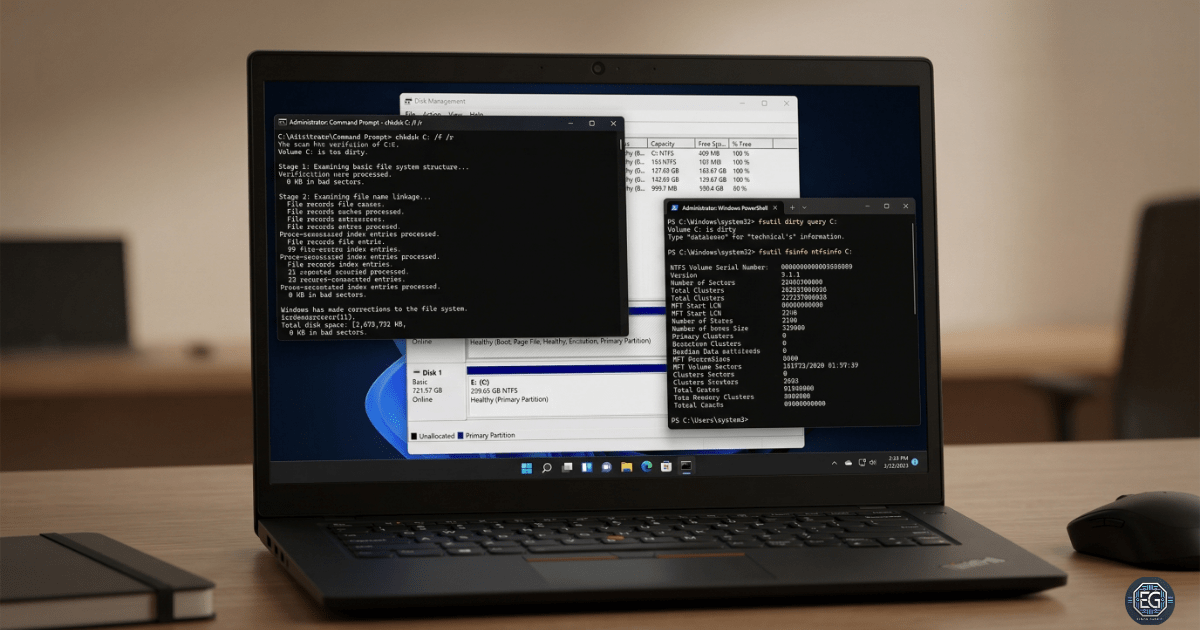
This report shows how disk management was set up and tested using built-in Windows tools, mainly CHKDSK and FSUTIL. The goal was to reduce the risk of file system errors and system crashes by checking disk health early and fixing problems before they get worse.
Regular checks were used to find and repair errors. NTFS features like self-healing and the USN Journal were also reviewed to confirm they were working correctly. This approach moves from fixing problems after they happen to preventing them early. It helps keep data safe and systems running without interruption.
1.0 Windows Disk Management with CHKDSK and FSUTIL
1.1 Project Description
The goal of this project was to create a simple and reliable process for checking disk health and maintaining the file system.
The process included:
-
Checking disk status and clearing “dirty bits” on system and external drives
-
Running deep scans to find and fix file system errors
-
Reviewing the USN Journal to track file changes
This helps ensure the system runs on stable storage and reduces the risk of crashes or data loss.
1.2 Technical Task / Troubleshooting Process
The process used command-line tools to check disk health and fix issues when needed.
Key Actions & Observations
-
Integrity Checks: Used
chkdsk /f /vto scan and repair file system errors -
Health Monitoring: Used
fsutilto check if a disk was marked as “dirty”
Volume Testing:
-
Used
chkdsk /xto force a dismount when repairs were needed -
Confirmed this can interrupt active systems and should be planned carefully
-
System Tracking: Reviewed the USN Journal to track file changes over time
Root Cause: File system errors can build up over time due to bad shutdowns or hardware issues. If not fixed, this can lead to serious problems like a drive becoming unreadable (RAW state).
This was resolved by running regular disk checks and verifying results.
1.3 Resolution and Validation
Disk health was improved by running checks and confirming that errors were fixed.
| Parameter | Configuration Value |
|---|---|
| Management Tool | CHKDSK / FSUTIL |
| Control State | Enforced / Audited |
| Security Mode | Proactive Maintenance |
| Scope | System and External Drives (C: and E:) |
Validation Steps
-
Ran
chkdskon the system drive to confirm file system health -
Used
fsutil dirty queryto confirm no drives were marked as dirty -
Verified that the USN Journal was logging file activity correctly
2.0: CONCLUSION
2.1 Key Takeaways
-
Regular disk checks help keep systems stable and prevent data loss
-
CHKDSKrepairs errors, whileFSUTILprovides deeper system information -
Always confirm that errors are cleared after running repairs
-
Plan repairs during maintenance windows to avoid downtime
2.2 Security Implications & Recommendations
Risk: Data Loss or System Failure
If file system errors are not fixed, data can be lost and systems may stop working.
Mitigation: Run regular disk checks and monitor Event Viewer for disk errors.
Risk: Service Interruption
Running repair commands like /x can disconnect users and stop applications.
Mitigation: Schedule repairs during maintenance times and inform users before making changes.
Best Practices
-
Limit access to disk tools to authorized users only
-
Monitor disk health regularly across systems
-
Re-check disk status after system crashes or hardware changes
-
Keep logs of all maintenance work for tracking and audits
Framework Alignment
-
Supports NIST PR.DS-4 (Capacity and Availability) by keeping storage systems healthy
-
Supports PR.IP (Information Protection Processes) by ensuring proper maintenance and documentation