
0.0 Executive Summary
This report explains how system administration tasks were performed on a Windows 10 workstation using Control Panel tools.
The goal was to reduce risks such as system instability, unauthorized access, and data loss. This was done by applying security settings and maintenance tasks using built-in Windows tools.
The final result improved system security and performance by enabling features like BitLocker encryption and Windows Defender Firewall, while also applying regular maintenance routines.
1.0 Windows Control Panel Administration
1.1 Project Description
The goal of this task was to apply best practices for system administration to keep the system secure and stable.
This was done using built-in Windows tools to:
- Enable BitLocker to protect data on the system
- Turn on and configure Windows Defender Firewall
- Manage system settings and credentials securely
- Use Task Scheduler to automate maintenance tasks
These actions help protect the system from threats and prevent issues caused by poor configuration.
1.2 Technical Task / Troubleshooting Process
The process focused on reviewing default system settings and applying changes to improve security and performance.
Key Actions & Observations
- Reviewed system behavior and identified missing security and maintenance controls
Configured the following tools:
- Windows Defender Firewall with Advanced Security
- BitLocker Drive Encryption
- Task Scheduler for automated cleanup and maintenance
Applied security controls by:
- Setting firewall rules to control inbound and outbound traffic
- Enabling disk cleanup and system optimization tasks
Verified supporting components:
- Credential Manager for storing login data securely
-
Windows Registry for system-level settings
- Documented all steps for reuse in other systems
Root Cause:
Default Windows settings are designed for general use and may not be fully secure. This can lead to unencrypted data, weak firewall rules, and poor system maintenance. The issue was fixed by applying stronger security settings and regular maintenance tasks.
1.3 Resolution and Validation
The system was secured and tested to confirm that all settings were working correctly.
| Parameter | Configuration Value |
|---|---|
| Management Tool | Windows Control Panel / Admin Tools |
| Control State | Enforced |
| Security Mode | Firewall and Encryption Enabled |
| Scope | Local System and User Profiles |
Validation Steps
-
Performed Disk Cleanup to remove temporary and unnecessary files
-
Verified that the firewall blocked unauthorized network connections
-
Confirmed that BitLocker encryption was active and working
-
Tested system performance to ensure no negative impact
-
Verified that normal applications continued to function correctly
2.0 CONCLUSION
2.1 Key Takeaways
- Default system settings may not provide strong security
- Built-in Windows tools can improve both security and performance
- Regular maintenance helps prevent system issues
- Testing ensures that changes do not affect normal use
- Proper setup balances security with system usability
2.2 Security Implications and Recommendations
Risk: Loss of Access Due to Misconfiguration
Incorrect firewall or credential settings can block users from accessing important services.
Mitigation:
Maintain clear documentation and use secure tools like Credential Manager.
Risk: Unprotected Data
Without encryption, stolen devices can expose sensitive data.
Mitigation:
Enable BitLocker on all systems to protect stored data.
Best Practices
- Apply least privilege so users cannot change critical system settings
- Use Group Policy (GPO) to manage settings across multiple systems
- Review configurations regularly after updates
- Document all settings for audits and troubleshooting
Framework Alignment
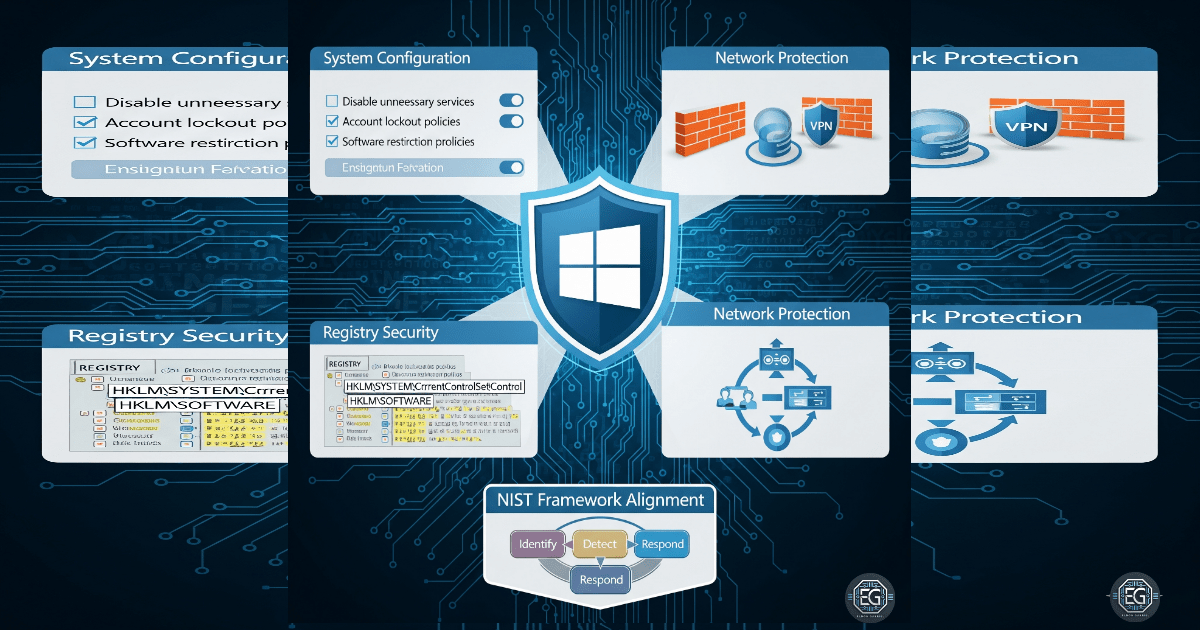
- Supports NIST guidance for system configuration and management
- Aligns with ISO 27001 requirements for system maintenance and security
- Supports the NIST Cybersecurity Framework (Protect function) by securing systems and data