
0.0 Executive Summary
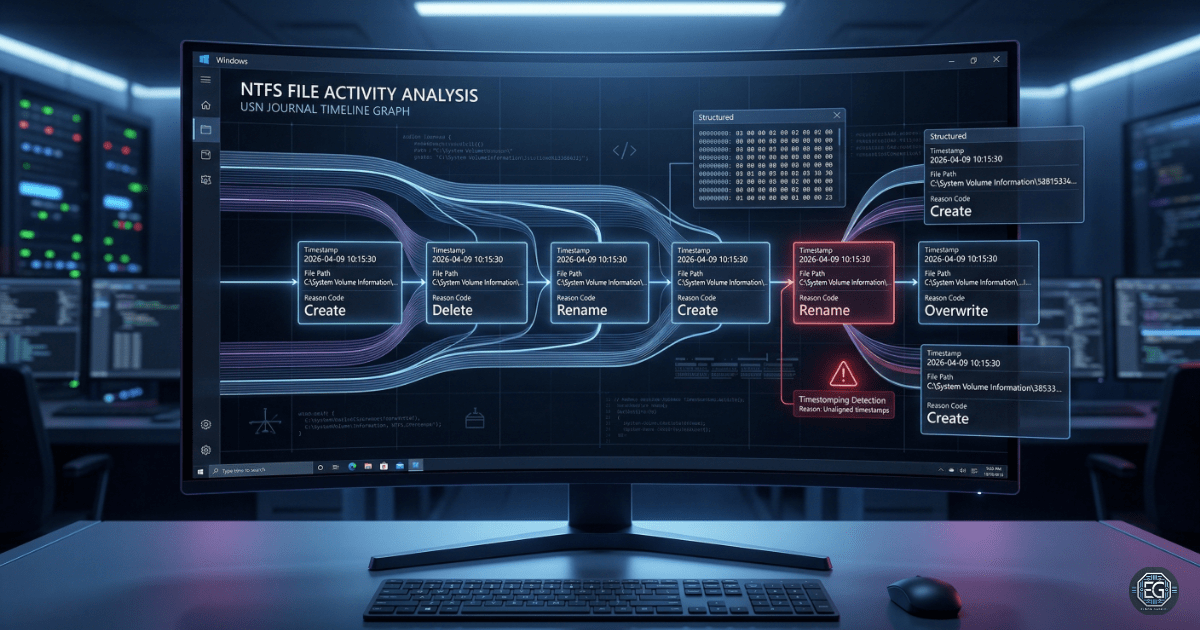
This report explains how the NTFS USN Journal works and how it can be used in a forensic investigation.
The goal was to improve visibility of file activity on a Windows system. Using the fsutil tool, this project shows how Windows records file changes like create, delete, and modify events.
The result is a clear method to track file activity in order. This helps detect attacks like timestomping and unauthorized file access. It also improves the system’s ability to support investigations.
1.0 USN Journal Architecture and Forensic Analysis
1.1 Project Description
The goal of this task was to understand how the USN Journal tracks file changes and how it can prevent missing evidence during investigations.
The fsutil tool was used to:
- Check if the USN Journal is enabled and working on system drives
- Identify “Reason Codes” that show what type of file change happened
- Track file activity in order using USN records
This ensures file changes are recorded in a way that cannot be easily faked by changing timestamps.
1.2 Technical Task / Troubleshooting Process
This process focused on how NTFS tracks file changes and how to collect useful forensic data.
Key Actions & Observations
- Reviewed how the USN Journal records file and folder changes before they are written to the Master File Table (MFT)
Used fsutil commands:
fsutil usn queryjournalto view journal details like size and next recordfsutil usn readjournalto read file change events and reason codes
Performed analysis to:
- Detect gaps in records that may show tampering
- Rebuild timelines using file references and USN values
Checked system conditions:
- Confirmed the journal is enabled
-
Reviewed how it grows and removes old data
- Documented all steps to allow repeat use in future investigations
Root Cause: File timestamps can be changed by attackers to hide activity.
Resolution: The USN Journal provides a sequential record of changes that is harder to modify, making it more reliable for investigations.
1.3 Resolution and Validation
The system was checked to confirm the USN Journal is active and recording data correctly.
| Parameter | Configuration Value |
|---|---|
| Management Tool | fsutil / Windows API |
| Data Source | $Extend$UsnJrnl:$J |
| Security Mode | Integrity Monitoring / Timeline Tracking |
| Scope | Windows NTFS Volumes |
Validation Steps
- Created, renamed, and deleted a test file to generate activity
- Confirmed that
fsutilshowed correct USN records for each action - Verified that records were logged in order without gaps
- Checked that journal size settings balance performance and data retention
2.0 CONCLUSION
2.1 Key Takeaways
- File system monitoring is important for detecting advanced attacks
- The USN Journal helps track file activity even if timestamps are changed
- Proper journal size settings help keep enough history for investigations
- Testing is needed to confirm logs are accurate and complete
2.2 Security Implications & Recommendations
Risk: Timestomping (Fake Timestamps)
Attackers can change file timestamps to hide activity.
Mitigation: Use the USN Journal to verify the real order of file events during investigations.
Risk: Journal Overwrite (Loss of Evidence)
High system activity can cause older records to be deleted.
Mitigation: Increase the journal size (MaxSize) on important systems to keep more history.
Best Practices
- Limit access to tools like
fsutilto authorized users only - Monitor for deletion of the USN Journal, which may indicate an attack
- Recheck settings after updates to ensure logging is still active
- Document all commands and findings for repeatable investigations
Framework Alignment
- Supports forensic practices from NIST SP 800-86
- Aligns with ISO 27001 logging and monitoring requirements
- Strengthens the Detect and Respond functions of the NIST CSF