
0.0 Executive Summary
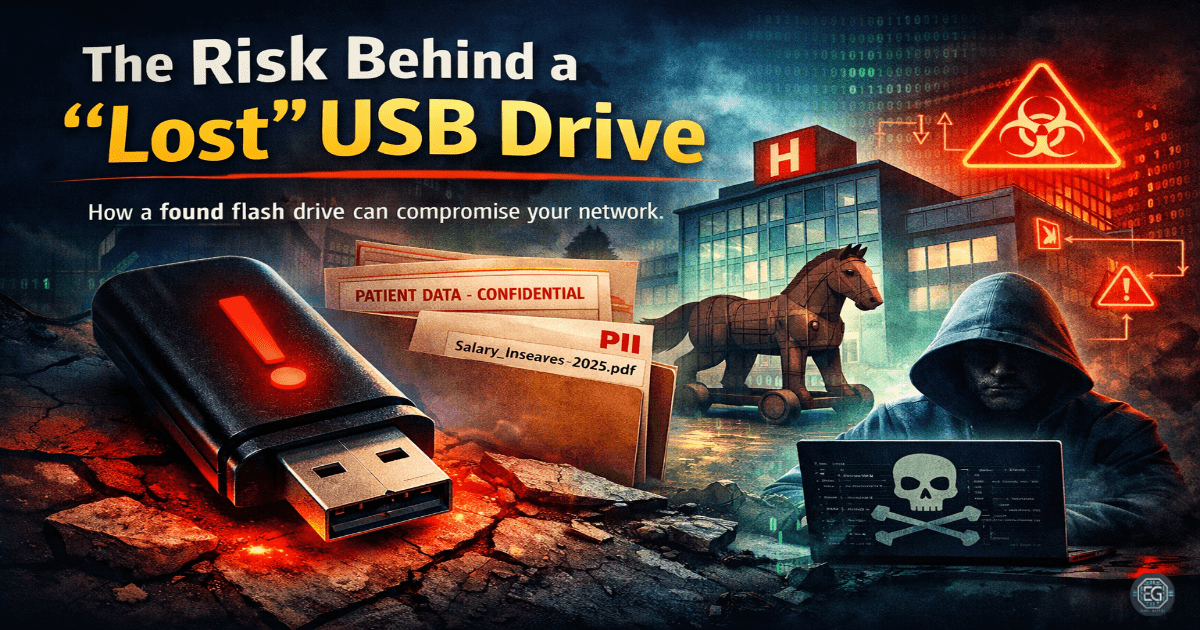
This report documents the implementation and hardening of physical media security through a risk assessment of a discovered USB device.
The objective was to reduce the risk of “USB Baiting” and unauthorized network infiltration by enforcing stronger security controls, including sandboxed analysis and strict hardware execution policies.
The result was an improved security posture by replacing insecure default behavior—such as the plug-and-play execution of untrusted media—with a controlled, auditable, and enforced investigation process that prevented a potential compromise.
1.0 USB Security Risk Assessment
1.1 Project Description
The goal of this task was to configure and enforce safe handling procedures for untrusted physical media to prevent malware execution and data exfiltration.
The implementation used a “Black Box” forensic approach to:
- Enforce secure behavior by analyzing the device in a completely isolated (sandboxed) environment.
- Restrict unauthorized actions by disabling “AutoRun” and “AutoPlay” features at the OS level.
- Improve accountability and visibility of system changes by documenting the digital footprint of the discovered files.
This ensures that critical system operations are protected against physical social engineering attacks designed to bypass traditional network perimeters.
1.2 Technical Task / Troubleshooting Process
The process focused on identifying weaknesses in the default handling of physical peripherals and applying secure, analysis-driven controls.
Key Actions & Observations
- Reviewed default system behavior and identified gaps where the workstation might automatically execute scripts from the USB root.
- Configured relevant policies within the analysis environment:
- Isolated Virtual Machine (VM) without network connectivity.
- Snapshot-revert capabilities to ensure a clean state after execution.
- Applied security settings to:
- Enforce stricter access by verifying the integrity of discovered files (e.g., hidden malware or ransomware payloads).
- Reduce attack surface by identifying “Baiting” tactics used to lure employees into plugging in the device.
- Verified supporting services or dependencies:
- Endpoint Protection (EPP) signatures for USB-borne threats.
- File extension visibility to detect “double-extension” masking (e.g.,
invoice.pdf.exe).
- Documented configuration paths to ensure repeatability for future physical security audits.
Root Cause: Default configurations prioritize user convenience by automatically mounting and opening files. This was resolved by enforcing stricter, policy-driven controls that mandate isolated inspection of all non-corporate hardware.
1.3 Resolution and Validation
The organization’s physical security state was secured by applying and verifying the results of the sandboxed investigation.
| Parameter | Configuration Value |
|---|---|
| Management Tool | Isolated Analysis Sandbox |
| Control State | Enforced |
| Security Mode | Zero-Trust Hardware Policy |
| Scope | Physical Peripherals and Media |
Validation Steps
- Triggered the control using a real scenario by inserting the found USB into the sandboxed environment to observe any automated execution attempts.
- Verified expected behavior where the device contained both sensitive personal data and potential hooks for social engineering, confirming a breach of secure storage practices.
- Confirmed system stability and compatibility with normal applications by ensuring the production network remained entirely unaffected by the untrusted device.
2.0: CONCLUSION
2.1 Key Takeaways
- Security controls must override insecure default behavior to prevent “Baiting” from leading to full network compromise.
- Policy-based enforcement of USB restrictions ensures consistent protection across all enterprise workstations.
- Validation testing is required to confirm that sandboxing effectively prevents any malicious payload from reaching the host OS.
- Proper configuration balances security and usability by providing a safe, dedicated path for investigating lost-and-found hardware.
2.2 Security Implications & Recommendations
Risk: Malware Infiltration via USB Baiting
Attackers leave infected drives in public areas, hoping an employee will plug them into a corporate computer.
Mitigation: Enforce a strict “No Unauthorized USB” policy and deploy endpoint controls to block unrecognized hardware IDs.
Risk: Sensitive Data Exposure
Lost USB drives often contain unencrypted personal or corporate data, leading to a data leak.
Mitigation: Enforce mandatory hardware-level encryption (e.g., BitLocker To Go) for all authorized portable storage devices.
Best Practices
- Enforce least privilege access by disabling USB ports for users who do not require them for their job function.
- Use centralized or policy-based controls (GPO/MDM) to manage “AutoRun” settings and USB whitelisting.
- Validate configurations after changes to ensure that new OS updates have not re-enabled dangerous default peripheral settings.
- Document all applied settings for repeatability and establish a clear “Found Device” procedure for all staff.
Framework Alignment
- Supports system hardening and access control best practices as defined in NIST SP 800-53 (Physical and Environmental Protection).
- Aligns with ISO 27001 (A.8.3.1) requirements for the management of removable media.
- Reinforces the “Protect” and “Detect” functions of the NIST CSF by limiting the physical attack surface.