
0.0 Executive Summary
This report explains how the Server Message Block (SMB) protocol was secured on a Windows network.
The goal was to reduce risks such as credential theft, Man-in-the-Middle (MitM) attacks, and malware spreading across the network. This was done by applying stronger security settings like SMB signing, encryption, and removing outdated protocol versions.
The final result improved security by disabling SMBv1 and enforcing secure communication. This protects data in transit and limits access from unauthorized systems.
1.0 SMB Protocol: Function and Security Risks
1.1 Project Description
The goal of this task was to secure file-sharing services and prevent known SMB-based attacks, such as those used in the EternalBlue exploit.
The implementation focused on:
- Disabling SMBv1 and using SMB 3.0 or higher
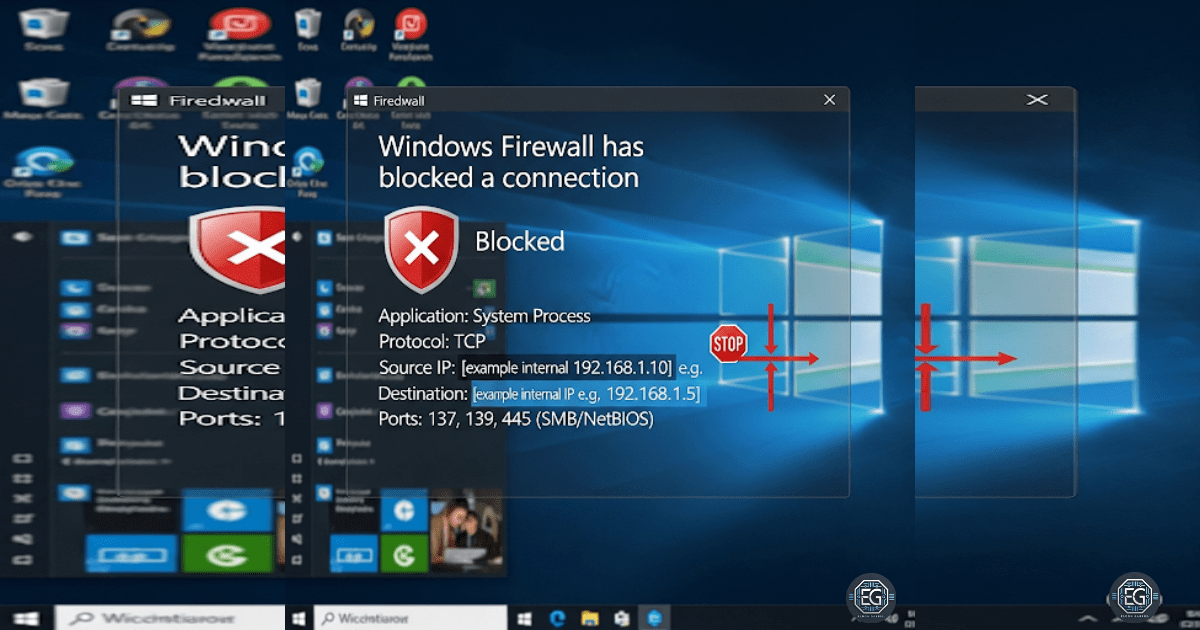
- Blocking TCP port 445 from external access
- Enforcing SMB signing to protect data integrity
These controls help ensure that file and printer sharing services are protected from attackers and malware.
1.2 Technical Task / Troubleshooting Process
The process focused on identifying weak default settings and applying secure configurations.
Key Actions & Observations
- Reviewed system settings and confirmed that SMBv1 was enabled by default
Used the following tools:
- Local Group Policy Editor (gpedit.msc)
- Windows Features settings
Applied security controls by:
- Removing SMBv1 from the system
- Enabling SMB signing for secure communication
Verified supporting services:
- Server service
- Workstation service
-
TCP/IP NetBIOS Helper
- Documented all steps for future deployment using Group Policy
Root Cause:
Windows systems often keep older protocols like SMBv1 for compatibility. This creates security risks because these protocols lack encryption and are vulnerable to attacks. The issue was fixed by disabling legacy support and enforcing secure SMB versions.
1.3 Resolution and Validation
The SMB configuration was applied and tested to confirm secure operation.
| Parameter | Configuration Value |
|---|---|
| Management Tool | gpedit.msc / PowerShell |
| Control State | Enforced |
| Security Mode | SMB 3.0+ Encryption / Signing |
| Scope | File and Print Services |
Validation Steps
-
Attempted a connection using a legacy client and confirmed it was blocked
-
Verified that active SMB sessions used encryption
-
Used PowerShell (
Get-SmbConnection) to confirm secure connections -
Confirmed modern systems could still access shared resources
-
Checked system stability after applying changes
2.0 CONCLUSION
2.1 Key Takeaways
- Legacy protocols like SMBv1 create serious security risks
- Secure SMB versions provide encryption and data integrity
- Group Policy is effective for managing SMB settings across systems
- Testing ensures secure settings do not break normal operations
- Proper configuration improves security while maintaining usability
2.2 Security Implications and Recommendations
Risk: Data Interception (MitM Attacks)
Unencrypted SMB traffic can be captured and read by attackers.
Mitigation:
Require SMB 3.0 or higher with encryption and signing enabled.
Risk: Malware Spread (Worm Attacks)
SMBv1 vulnerabilities allow malware to spread quickly between systems.
Mitigation:
Disable SMBv1 completely and block TCP port 445 at the firewall.
Best Practices
- Place file servers in restricted network segments (VLANs)
- Use Group Policy to enforce SMB settings across the network
- Test configurations to ensure business services continue to work
- Document all settings for audits and future reference
Framework Alignment
- Supports secure configuration and access control practices
- Aligns with NIST guidance for protecting data and systems
- Supports the NIST Cybersecurity Framework (Protect function) by securing network communication and reducing attack surface