
0.0 Executive Summary
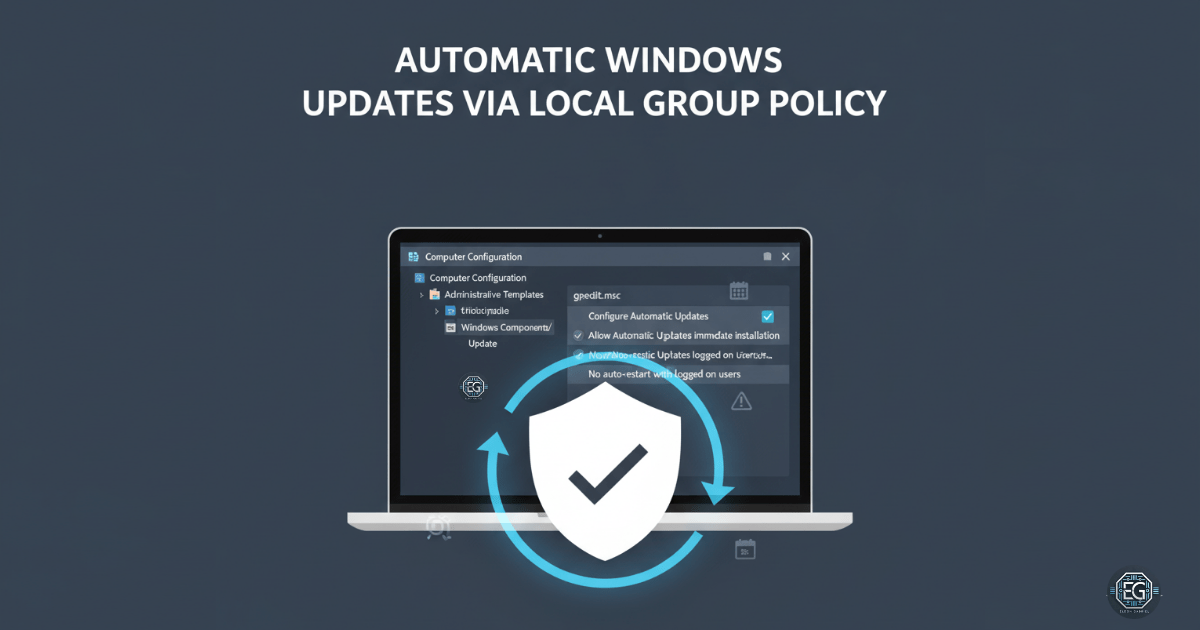
This report documents the implementation of a Local Group Policy Object (GPO) to enforce a mandatory patching policy on a standalone Windows 10 endpoint. The project successfully automated the installation of security updates while utilizing “No auto-restart” configurations to minimize user disruption.
By establishing this automated baseline, the system reduces its exposure to known vulnerabilities and ensures timely protection against new threats without requiring manual intervention or an Active Directory environment.
1.0 OS Patching Enforcement via Local GPO
1.1 Project Description
The objective of this task was to secure a Windows 10 virtual machine by enforcing a consistent patching schedule. The project aimed to utilize the Local Group Policy Editor to automate the download and installation of Microsoft security updates.
The environment focused on balancing security requirements—ensuring the system remains protected from exploitation—with system usability, specifically by preventing unexpected reboots that could interrupt critical administrative or laboratory tasks.
1.2 Technical Task / Troubleshooting Process
The process focused on configuring the Windows Update nodes within the Administrative Templates of the Local Group Policy hierarchy.
Key Actions & Observations
-
Policy Configuration: Enabled “Configure Automatic Updates” and set the behavior to “Auto download and install” to remove reliance on manual user action.
-
Reboot Management: Applied the “No auto-restart with logged on users for scheduled automatic updates installations” policy to maintain system availability during active use.
-
Enforcement Refresh: Executed
gpupdate /forceto immediately push the new configuration into the local kernel. -
Compliance Audit: Utilized Windows Update logs and the system settings interface to verify that the patching policy was recognized as “Managed by your organization.”
Root Cause: Reliance on manual patching or default update settings creates a vulnerability window where known exploits can be used; this was resolved by establishing an automated, policy-driven enforcement mechanism.
1.3 Resolution and Validation
Operational enforcement was finalized by confirming that updates could proceed automatically without administrative prompting.
| Parameter | Configuration Value |
|---|---|
| Management Tool | gpedit.msc |
| Update Behavior | 4 - Auto download and install |
| Auto-Restart | Disabled (for logged-on users) |
| Validation Tool | Windows Update Logs |
Validation Steps
-
GPO Verification: Confirmed that settings remained persistent after system restarts and manual CLI refreshes.
-
Behavioral Test: Verified that the “Check for updates” functionality reflected the organizational policy and handled installations without user input.
-
Log Review: Audited Windows Update logs to confirm successful communication with update servers under the new GPO constraints.
2.0: CONCLUSION
2.1 Key Takeaways
-
Automated Defense: Local GPOs provide a powerful way to ensure standalone systems remain patched against high-severity vulnerabilities without manual oversight.
-
Operational Balance: Settings like “No auto-restart” allow for the simultaneous pursuit of security compliance and system uptime.
-
Scaling Knowledge: Although implemented locally, these configurations serve as the foundation for enterprise-wide patch management strategies in Active Directory environments.
2.2 Security Implications & Recommendations
Risk: Unpatched Vulnerability Exploitation Delayed or ignored security updates are a primary entry point for malware and remote code execution attacks.
Mitigation: Enforce automated patching policies via GPO to ensure that security updates are installed as soon as they are made available by the vendor.
Risk: Delayed Security Remediation Using “No auto-restart” can delay the final installation of certain patches that require a system reboot to become active.
Mitigation: Supplement automated patching with a scheduled maintenance window and enforced restart policy to ensure that all critical security updates are fully applied within a set timeframe.