
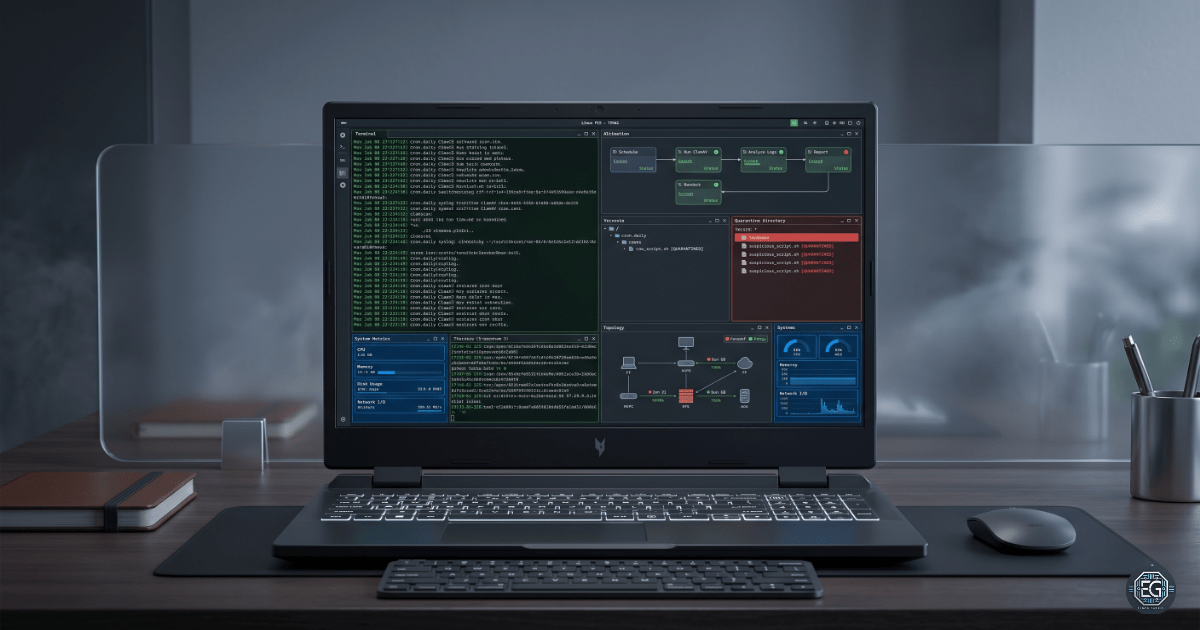
1.0 Linux Automation: ClamAV & System Maintenance
1.1 Project Description
This task focuses on automating system maintenance and security operations in an Ubuntu Server 24.04 LTS environment.
The objective is to replace manual administrative tasks with scheduled automation using Cron while integrating ClamAV to provide continuous malware detection and response.
The implementation includes the following:
- Scheduled Malware Scanning: ClamAV scans executed every 12 hours
- Automated Quarantine: Infected files moved to a restricted directory
- System Monitoring: Resource usage logged every 3 hours
- Scheduled Maintenance: Weekly system reboot to maintain stability
This ensures consistent system monitoring, reduces manual effort, and improves the security posture.
1.2 Technical Task / Troubleshooting Process
The system was configured by installing the required tools, updating antivirus signatures, and defining scheduled jobs using crontab.
Key Actions
- Installed
clamavandclamav-daemon - Updated virus definitions using
freshclam - Configured cron jobs:
# Malware scan every 12 hours
0 0,12 * * * clamscan -r /home/eldon/clamav_test >> ~/logs/clamav_scan.log 2>&1

# Resource monitoring every 3 hours
0 */3 * * * (date; top -b -n 1 | head -n 10; df -h) >> ~/logs/resource_usage.log 2>&1

# Weekly reboot (Monday 3 AM)
0 3 * * 1 /sbin/reboot
- Quarantine implemented using:
--move=/home/eldon/quarantine
Troubleshooting Highlights
Issue 1: Failed to Get Realpath
Observation: ClamAV returned the error: “Failed to get the realpath”.
Analysis: The tilde (~) was not expanded correctly when used in the --move flag.
Fix: Use absolute path:
--move=/home/eldon/quarantine
Validation: File was successfully detected and moved to the quarantine directory.
Issue 2: EICAR Not Detected
Observation: Custom test string was not detected.
Analysis: A byte-level mismatch prevented signature recognition.
Validation:
hexdump -C /home/eldon/clamav_test/test_virus.txt | head -n 2
hexdump -C /home/eldon/clamav_test/eicar.com.txt | head -n 2
Result: A byte difference (35) was identified.
Conclusion: ClamAV requires an exact bitwise match.
Resolution: Used the official EICAR test file to ensure consistent detection.
1.3 Resolution and Validation
The system functionality was validated through log analysis and file movement.
| Parameter | Configuration |
|---|---|
| Antivirus Engine | ClamAV |
| Scheduler | Cron |
| Detection Type | Signature-based |
| Log Directory | ~/logs |
Validation Steps
- Log Verification
cat ~/logs/clamav_scan.log - Quarantine Validation
ls -l /home/eldon/quarantine - System Monitoring Check
cat ~/logs/resource_usage.log
2.0 CONCLUSION
2.1 Key Takeaways
- Signature Precision: Detection requires exact byte-level matching
- Automation Loop: Detection must include remediation (quarantine)
- Absolute Paths: Required for reliable automation
- Operational Visibility: Logs validate execution and outcomes
2.2 Security Implications & Recommendations
Risk: Signature Evasion (Polymorphism)
Small changes in malware can bypass signature-based detections.
Mitigation:
- Implement layered security controls
- Combine scanning with monitoring
Risk: Insecure Quarantine Directory
Improper permissions may expose the isolated malware.
Mitigation:
chmod 700 /home/eldon/quarantine
Best Practices
- Use absolute paths in cron jobs
- Regularly review logs
- Use quarantine instead of deletion
- Use official test files for validation
Framework Alignment
- NIST SP 800-53 (SI-3) – Malicious Code Protection
- CIS Control 10 – System Monitoring and Integrity
- ISO/IEC 27001 (A.12.2.1) – Malware Protection