
0.0 Executive Summary
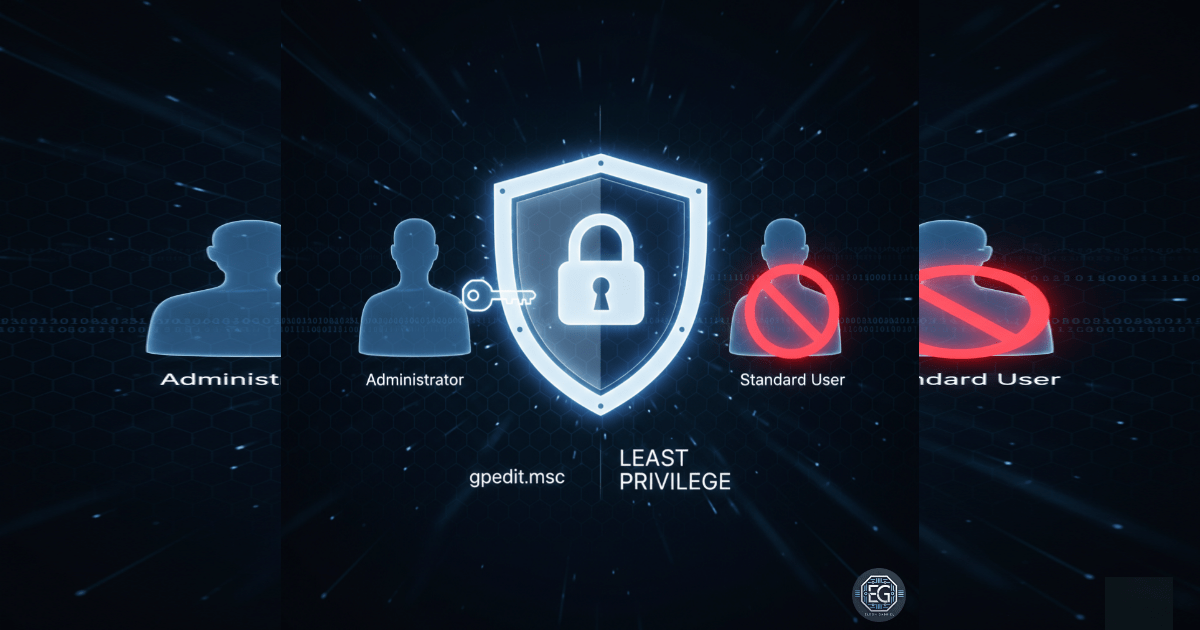
This report documents the implementation of restrictive User Rights Assignment policies on a Windows 10 endpoint using Local Group Policy Objects (GPOs). The project successfully limited high-risk system actions—such as debugging programs, taking ownership of objects, and creating symbolic links—exclusively to administrative accounts. By hardening these specific user rights, the environment achieved a reduced attack surface against privilege escalation and unauthorized system modifications, aligning with the principle of least privilege and established system hardening standards.
1.0 Hardening Windows User Rights via Local Group Policy
1.1 Project Description
The objective of this task was to secure a Windows 10 virtual machine by enforcing strict controls over user rights. The project aimed to utilize the Local Group Policy Editor to differentiate between standard user capabilities and administrative requirements. The environment focused on mitigating the risk of unauthorized users exploiting system-level rights to perform privileged actions, ensuring that critical OS functions remain restricted to authorized personnel.
1.2 Technical Task / Troubleshooting Process
The process focused on the granular configuration of the “User Rights Assignment” container within the local security policy.
Key Actions & Observations
-
Policy Configuration: Modified settings for “Create symbolic links,” “Debug programs,” and “Profile single process” to restrict access to the Administrators group.
-
Privilege Enforcement: Updated the “Take ownership of files or other objects” right to ensure only administrators can bypass standard filesystem permissions.
-
Policy Refresh: Executed
gpupdate /forceto ensure all localized changes were immediately active in the kernel. -
Verification Audit: Utilized
secpol.mscto cross-check that all intended policy modifications were successfully applied and persistent.
Root Cause: Overly permissive default user rights can allow for privilege escalation; this was resolved by establishing a baseline that limits high-risk tasks to the Administrators group.
1.3 Resolution and Validation
System security was finalized through the enforcement of administrative-only rights for sensitive operations.
| Parameter | Configuration Value |
|---|---|
| Management Tool | gpedit.msc / secpol.msc |
| Target Area | User Rights Assignment |
| Key Restriction | Debug Programs (Admins Only) |
| Key Restriction | Take Ownership (Admins Only) |
Validation Steps
- Setting Verification: Confirmed via the Local Security Policy console that each hardened right was correctly assigned.
- Conflict Check: Verified that necessary local service accounts maintained their required operational rights while stripping them from standard users.
- Persistence Test: Confirmed that settings remained active following a system reboot and policy refresh.
2.0: CONCLUSION
2.1 Key Takeaways
-
Granular Control: User Rights Assignment provides a deeper level of security than standard NTFS permissions by controlling what actions a user can perform on the system.
-
Escalation Prevention: Restricting rights like “Debug programs” and “Create symbolic links” is essential for preventing common local privilege escalation (LPE) techniques.
-
Administrative Discipline: Clearly defining who can perform high-risk tasks ensures that system integrity is maintained through accountable administrative actions.
2.2 Security Implications & Recommendations
Risk: Privilege Escalation Exploits If standard users retain rights to debug programs or create symbolic links, they may be able to manipulate system processes or files to gain administrative access.
Mitigation: Audit all User Rights Assignments and remove non-administrative accounts from any rights that allow for system-level modifications or process debugging.
Risk: Unauthorized Data Access The “Take ownership” right allows a user to seize control of any file on the system, regardless of existing permissions.
Mitigation: Restrict the “Take ownership” right strictly to the Administrators group and implement Windows Event Logging to monitor whenever this right is exercised.