
0.0 Executive Summary
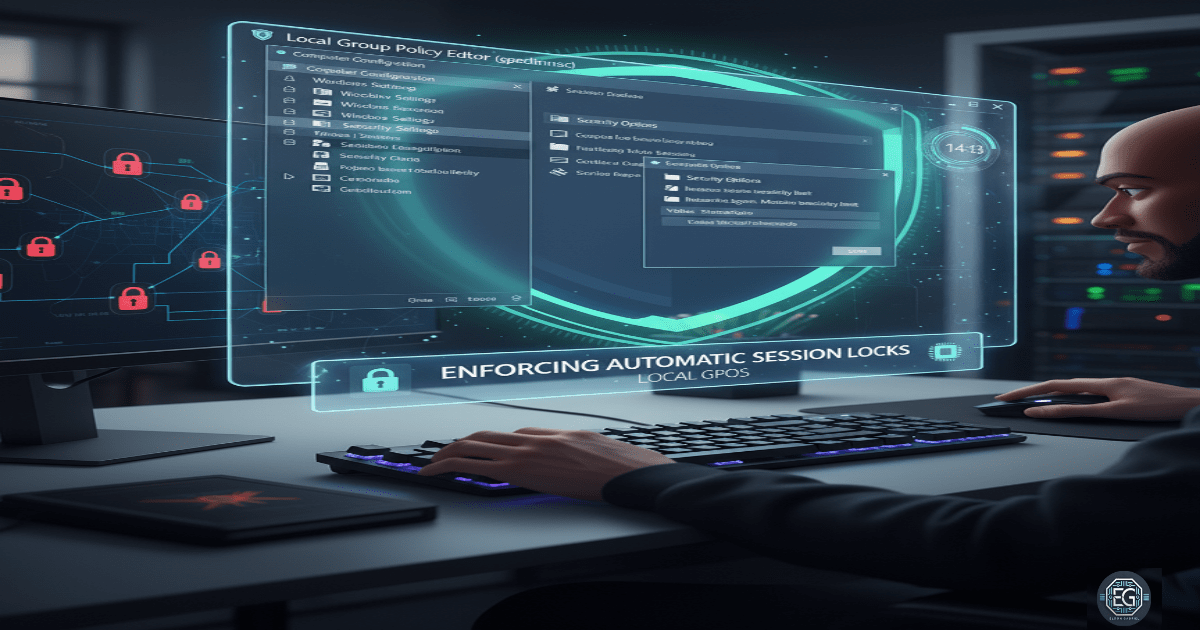
This report documents the deployment of a Local Group Policy Object (GPO) to enforce automated session locks on a Windows 10 endpoint. The project successfully configured an inactivity-based timeout of 15 seconds to prevent unauthorized access to unattended systems. By establishing this mandatory security baseline, the environment achieved improved physical security and non-repudiation, supporting defense-in-depth strategies and the principle of confidentiality for sensitive information.
1.0 Applying a Local GPO for Session Lock Enforcement
1.1 Project Description
The objective of this task was to improve endpoint security by enforcing a mandatory lock rule for inactive computers. The project aimed to utilize the Local Group Policy Editor to configure the “Machine inactivity limit,” ensuring that systems automatically secure themselves when no user activity is detected. This alignment with fundamental system hardening practices reduces the window of opportunity for “shoulder surfing” and unauthorized physical interaction with open administrative sessions.
1.2 Technical Task / Troubleshooting Process
The process focused on the identification and configuration of specific security options within the Windows management console.
Key Actions & Observations
- Policy Identification: Located the “Interactive logon: Machine inactivity limit” setting within the local security policy path.
- Metric Configuration: Defined a 15-second inactivity threshold to trigger the system lock, simulating a high-security environment requirement.
- Environment Isolation: Utilized a dedicated Windows virtual machine to test the policy without impacting the primary network or host infrastructure.
- Baseline Documentation: Captured the configured parameters to serve as a local policy baseline for future system audits.
Root Cause: The absence of a default inactivity timeout was identified as a physical security vulnerability, resolved through the manual enforcement of GPO-driven session controls.
1.3 Resolution and Validation
Operational effectiveness was confirmed through timed inactivity testing and policy verification.
| Parameter | Configuration Value |
|---|---|
| Tool Used | gpedit.msc |
| Policy Name | Interactive logon: Machine inactivity limit |
| Timeout Value | 15 Seconds |
| Scope | Local Computer Policy |
Validation Steps
- Inactivity Test: Observed the system for the configured duration without input, confirming the automatic engagement of the Windows lock screen.
- Credential Verification: Verified that a valid user password was required to resume the session after the lock was triggered.
- Policy Persistence: Confirmed that the settings remained active across system reboots as part of the local machine’s security baseline.
2.0: CONCLUSION
2.1 Key Takeaways
- Risk Window Reduction: Inactivity-based lock policies significantly reduce the time an unattended system remains vulnerable to unauthorized access.
- Targeted Control: Local Group Policy provides administrators with granular control over security settings for individual endpoints outside of a domain environment.
- Defense-in-Depth: Targeted session locks complement other security layers, such as full-disk encryption and strong authentication, to improve overall system posture.
2.2 Security Implications & Recommendations
Risk: Unattended System Compromise Systems left unlocked in public or shared spaces are susceptible to immediate unauthorized access and data theft.
Mitigation: Enforce mandatory session lock policies with short inactivity limits to maintain a consistent endpoint security baseline.
Risk: Inconsistent Compliance Manually setting local policies across multiple devices leads to non-uniform security and administrative overhead.
Mitigation: Transition local security settings to a centralized management system, such as Active Directory Group Policy, to ensure uniform and non-repudiable compliance across all organizational devices.