
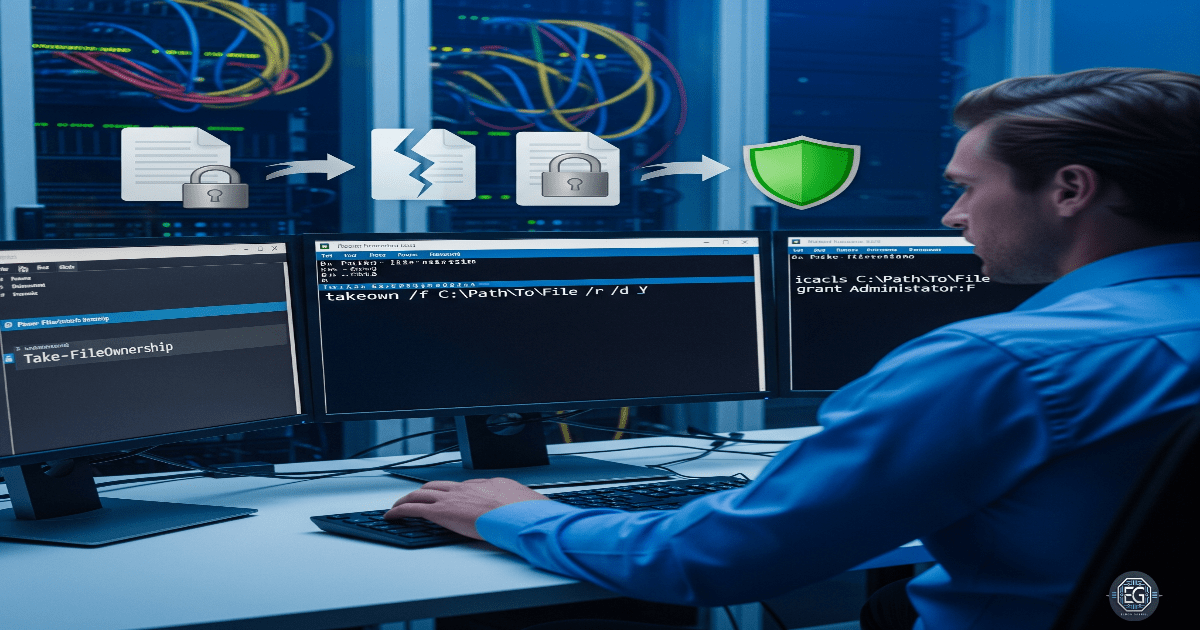
0.0 Executive Summary
This report explains an investigation into how file ownership is managed on a Windows 10 system.
The main goal was to reduce the risk of unauthorized access or privilege escalation by finding the correct way to recover file ownership using built-in tools such as takeown and icacls.
The final result improved system security by correcting the misunderstanding that file permissions can be managed through the Registry. Instead, NTFS file system permissions were confirmed as the correct and authoritative method for managing file ownership and access.
1.0 File Ownership Recovery
1.1 Project Description
The goal of this task was to properly manage file ownership so that administrators could regain access to files when needed and avoid being locked out.
This was done through research and testing using built-in Windows tools.
The main actions included:
- Using only supported administrative tools for file recovery
- Understanding the difference between the Windows Registry and NTFS permissions
- Documenting the correct process for restoring file ownership
These steps ensure that important files remain accessible and that ownership can be recovered safely after changes such as account removal or migration.
1.2 Technical Task / Troubleshooting Process
The process focused on reviewing how file permissions work and applying the correct methods to manage ownership at the filesystem level.
Key Actions & Observations
- Reviewed default system behavior and identified confusion around Registry-based ownership control
- Used the following tools:
- NTFS Permissions (Security tab in file properties)
- Command-line tools such as CMD and PowerShell
- Applied ownership recovery using:
takeownto regain file ownershipicaclsto manage permissions
- Verified supporting components:
- NTFS file system
- Security Identifiers (SIDs)
- Documented all steps for repeatable use when handling inaccessible files
Root Cause:
File ownership can be lost when user accounts are removed or changed. Some assumptions suggest the Registry controls file permissions, but this is incorrect. The issue was resolved by using NTFS-based tools that are designed to manage file ownership and access.
1.3 Resolution and Validation
The system was secured by applying and testing the correct file ownership recovery methods.
| Parameter | Configuration Value |
|---|---|
| Management Tool | takeown / icacls |
| Control State | Enforced |
| Security Mode | NTFS Ownership Recovery |
| Scope | File System / Specific Files |
Validation Steps
-
Attempted to access a file without having the required permissions
-
Used the
takeowncommand to restore ownership to the administrator account -
Verified that access was restored successfully
-
Checked file integrity to ensure no data was damaged during recovery
-
Confirmed that the system remained stable after the changes
2.0 CONCLUSION
2.1 Key Takeaways
- File ownership should be managed using NTFS, not the Registry
- Built-in tools like
takeownandicaclsare the correct methods for permission recovery - Testing is important to confirm that ownership changes work as expected
- Proper methods help avoid lockouts and maintain access to important data
2.2 Security Implications and Recommendations
Risk: Privilege Escalation
Incorrect file ownership could allow unauthorized users to access sensitive data.
Mitigation: Use least privilege principles and restrict administrative access. Only use supported tools like takeown and icacls.
Risk: System Instability
Editing the Registry to manage file permissions can cause system corruption or security issues.
Mitigation: Avoid unsupported Registry changes and rely only on NTFS-based permission management tools.
Best Practices
- Monitor file ownership changes using system logging
- Apply least privilege access across all systems
- Use centralized policies where possible to manage permissions
- Document all recovery procedures for consistency and audits
Framework Alignment
- Supports secure system configuration and access control principles
- Aligns with NIST SP 800-53 controls (AC-3, AC-6) for access enforcement and least privilege
- Supports ISO 27001 guidelines for user access management and secure system configuration