
0.0 Executive Summary
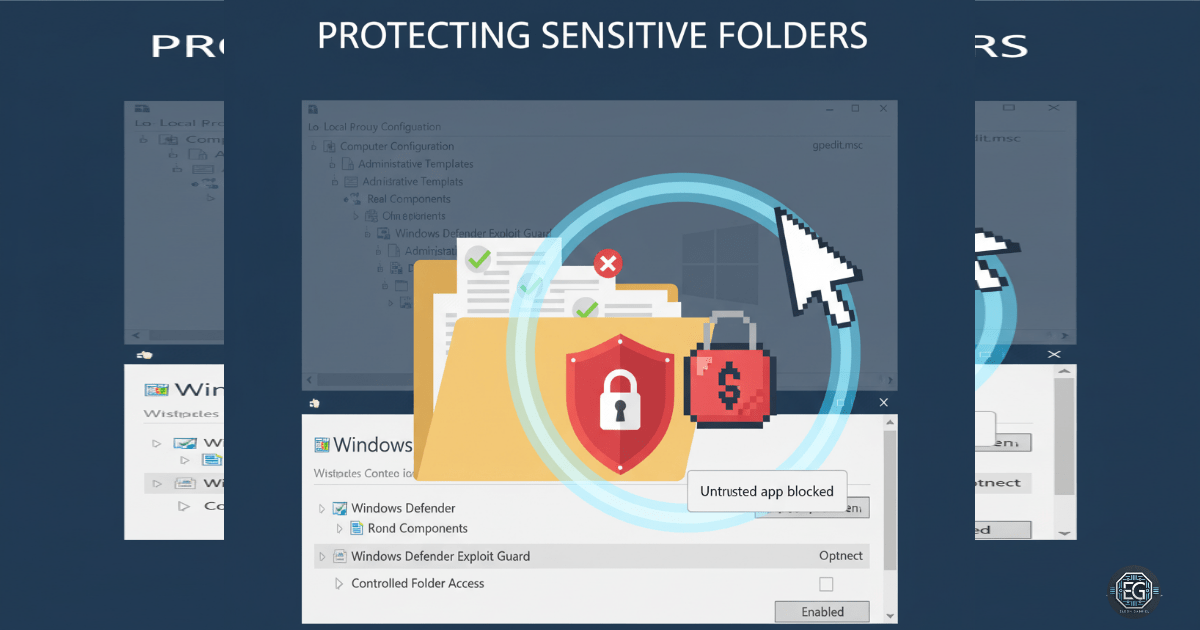
This report documents the implementation of Controlled Folder Access (CFA) on a Windows system to protect sensitive directories from unauthorized modification.
The objective was to reduce the risk of ransomware and untrusted applications altering user data by enforcing strict access controls through Windows Defender and Local Group Policy.
The final configuration enforced block-based protection on critical folders while allowing only trusted applications to perform write operations, resulting in improved endpoint security and controlled system behavior.
1.0 Hardening Endpoint Resilience with CFA
1.1 Project Description
The goal of this task was to implement Controlled Folder Access (CFA) to prevent unauthorized applications from modifying files in protected directories.
The implementation used Windows Defender and Local Group Policy to:
- Restrict write access to sensitive folders
- Enforce application trust validation
- Reduce exposure to ransomware-style attacks
This ensures that only approved applications can modify protected user data.
1.2 Technical Task / Troubleshooting Process
The process focused on identifying why the system allowed unrestricted file modifications and applying CFA to enforce protection.
Key Actions & Observations
- Verified Windows Defender real-time protection was enabled
- Observed that untrusted applications could modify files in user directories
- Reviewed configuration within:
- Local Group Policy Editor (gpedit.msc)
- Windows Security settings
- Checked Defender preferences using:
Get-MpPreference
- Confirmed relevant services were running:
- Windows Defender Antivirus Service
- Security Center Service
- Identified that Controlled Folder Access was not enabled by default
Root Cause:
Controlled Folder Access was disabled by default, allowing untrusted applications to write to protected directories without restriction.
1.3 Resolution and Validation
The issue was resolved by enabling and configuring Controlled Folder Access.
| Parameter | Configuration Value |
|---|---|
| Management Tool | gpedit.msc / Windows Security |
| CFA State | Enabled (Block Mode) |
| Protected Folders | Documents, Desktop |
| Trusted Applications | Added to allow list |
Validation Steps
- Applied policy changes using
gpupdate /force - Verified CFA settings in Windows Security and PowerShell
- Attempted file modifications using untrusted applications
- Confirmed unauthorized write attempts were blocked
- Verified trusted applications retained normal access
2.0: CONCLUSION
2.1 Key Takeaways
- Controlled Folder Access provides effective protection against ransomware-style file encryption
- Default system configurations may leave sensitive directories unprotected
- Policy-based enforcement ensures consistent and repeatable security controls
- Testing trusted vs untrusted applications is necessary to validate functionality
- Maintaining documented exceptions helps balance security and usability
2.2 Security Implications & Recommendations
Risk: Unauthorized File Modification
Untrusted applications may attempt to modify or encrypt user data.
Mitigation: Enable Controlled Folder Access and restrict write permissions to trusted applications only.
Risk: Application Compatibility Issues
Legitimate applications may be blocked if not recognized as trusted.
Mitigation: Maintain an allow list of verified applications and validate behavior after configuration changes.
Best Practices
- Enable CFA on endpoints handling sensitive data
- Regularly review and update allowed applications
- Maintain consistent policy configurations across systems
- Validate changes through testing before deployment
- Apply least privilege principles to application access
Framework Alignment
- Aligns with system hardening and access control principles
- Supports configuration management best practices
- Reinforces endpoint protection strategies consistent with widely used security frameworks such as NIST