
0.0 Executive Summary
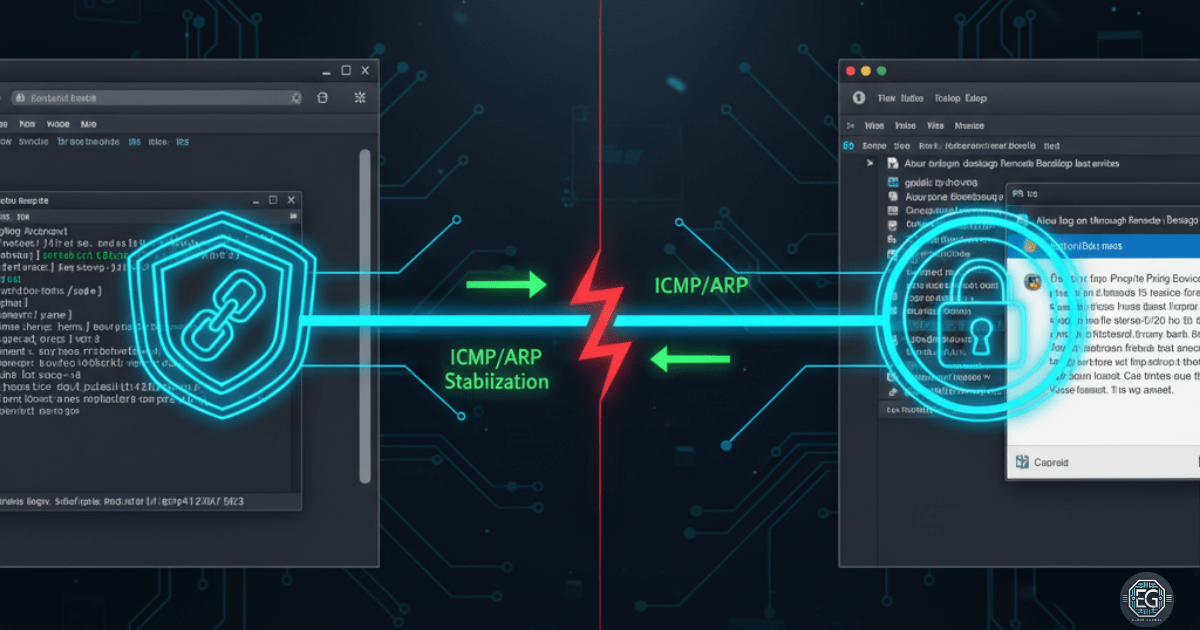
This report details the systematic identification and resolution of a complex three-step connection failure when accessing a Windows 10 virtual machine via Remote Desktop Protocol (RDP). The environment, running on UTM (macOS) in Bridged Network mode, suffered from conflicting Domain Group Policy (GPO) restrictions and virtual NIC timeouts. The resolution involved a strategic bypass of UAC-restricted administrative rights and the implementation of a bidirectional ping framework to stabilize the ARP table. The final outcome resulted in a persistent, stable remote management channel.
1.0 Access Control Bypass & Network Stability
1.1 Project Description
The objective of this task was to restore administrative access and network stability to a Windows 10 VM that had become unreachable due to hardened security policies and hypervisor-level networking issues. The project involved navigating GPO-enforced User Account Control (UAC) limitations that prevented RDP enabling, as well as addressing a virtual network interface that timed out during the handshake process. The environment utilized UTM on macOS to validate cross-platform troubleshooting and security management.
1.2 Technical Task / Troubleshooting Process
The investigation followed a chronological path from identifying security lockouts to diagnosing hardware-emulation failures.
Key Actions & Observations
-
GPO Conflict Identification: Discovered that Domain-level GPOs blocked the enabling of RDP and restricted local administrative rights through UAC.
-
Security Bypass: Implemented a workaround to elevate permissions and modify the registry/GPO settings to permit remote connections.
-
Network Diagnosis: Observed the virtual NIC timing out during RDP login attempts, leading to “Connection Lost” errors.
-
Stability Testing: Identified that the ARP table was failing to stay updated, causing the host and guest to lose sight of each other during the RDP handshake.
Root Cause: A combination of restrictive security policies (GPO/UAC) and virtual network instability (NIC timeout/ARP expiration) prevented the establishment of a stable remote session.
1.3 Resolution and Validation
Access was restored by overriding security restrictions and establishing a manual network heartbeat.
| Parameter | Configuration Value |
|---|---|
| Virtualization | UTM (macOS) |
| Network Mode | Bridged |
| Protocol | RDP (3389/TCP) |
| Workaround | Bidirectional Ping |
Validation Steps
- Security Override: Confirmed RDP was enabled and accessible after bypassing the initial GPO-enforced UAC restrictions.
- Network Stabilization: Initiated simultaneous pings from host to guest and guest to host to keep the virtual NIC active.
- Session Verification: Successfully launched the RDP client and maintained a stable login without the NIC timing out or dropping the connection.
2.0: CONCLUSION
2.1 Key Takeaways
-
Multi-Layered Analysis: Connection failures often stem from a mix of software-level security policies and hardware-level network instability.
-
Proactive Heartbeats: In unstable virtual networks, bidirectional traffic (like pings) can prevent NIC timeouts by keeping ARP tables updated.
-
Workaround Proficiency: Solving GPO and UAC conflicts requires a deep understanding of Windows system control and permission management.
2.2 Security Implications & Recommendations
Risk: Unstable Virtual Interfaces Virtual NIC timeouts can lead to data corruption or interrupted administrative tasks during remote sessions.
Mitigation: Monitor host-guest connections for ARP errors and utilize network stabilization techniques during critical management windows.
Risk: Privilege and Access Conflicts Improperly managed GPOs can inadvertently lock administrators out of critical systems or create inconsistent security states.
Mitigation: Carefully document and review all user access and permission changes during experiments to prevent unintended privilege conflicts or lockouts.