
0.0 Executive Summary
This report documents the technical requirements and configuration steps for enabling nested virtualization on an AMD Ryzen 6000 series system running Windows 11. The project addressed critical hardware-software conflicts, including hidden UEFI settings and Virtualization-Based Security (VBS) interference. The final result established a functional baseline for running VMware ESXi within VMware Workstation, balanced against the necessary temporary reduction in host security features for laboratory research.
1.0 vSphere 8 Nested Lab on Ryzen 6000
1.1 Project Description
The objective of this task was to configure an Acer Nitro V15 (AMD Ryzen 7 7735HS) to support nested virtualization. The project aimed to overcome the “AMD-V is disabled in the BIOS” error and the “Power on with RVI” failure. The environment required precise synchronization between AMD chipset drivers, hidden UEFI firmware settings, and Windows 11 hypervisor configurations to allow for the deployment of Type-1 hypervisors within a Type-2 hypervisor.
1.2 Technical Task / Troubleshooting Process
The process focused on identifying why standard BIOS settings were insufficient for enabling nested virtualization on modern AMD mobile hardware.
Key Actions & Observations
- Firmware Initialization: Accessed hidden UEFI menus using specific key combinations (Fn + Tab) to locate the “SVM Node” and “IOMMU” toggles.
- OS Configuration: Identified that Windows Virtualization-Based Security (VBS) and Memory Integrity were locking the hypervisor bit, preventing VMware Workstation from accessing AMD-V.
- Driver Synchronization: Updated the AMD GPIO and chipset drivers to ensure the OS correctly communicated with the Secure Virtual Machine (SVM) instructions.
- Incident Recovery: Documented a CMOS/NVRAM reset procedure via the battery pin-hole to recover from unstable firmware states during testing.
Root Cause: Nested virtualization was blocked by a combination of hidden firmware locks and Windows 11 security features (VBS/LSA) that reserve hardware virtualization exclusively for the host OS.
1.3 Resolution and Validation
Access to nested virtualization was achieved by disabling conflicting host security features and unmasking hidden chipset instructions.
| Parameter | Configuration Value |
|---|---|
| Processor | AMD Ryzen 7 7735HS |
| Virtualization Tech | AMD-V / RVI |
| Hypervisor | VMware Workstation 17.x |
| Security State | VBS Disabled (Lab Only) |
Validation Steps
- Instruction Check: Verified the “Virtualization: Enabled” status in Windows Task Manager and CPU-Z.
- Hypervisor Launch: Successfully powered on a nested VM with “Virtualize Intel VT-x/EPT or AMD-V/RVI” enabled in VMware settings.
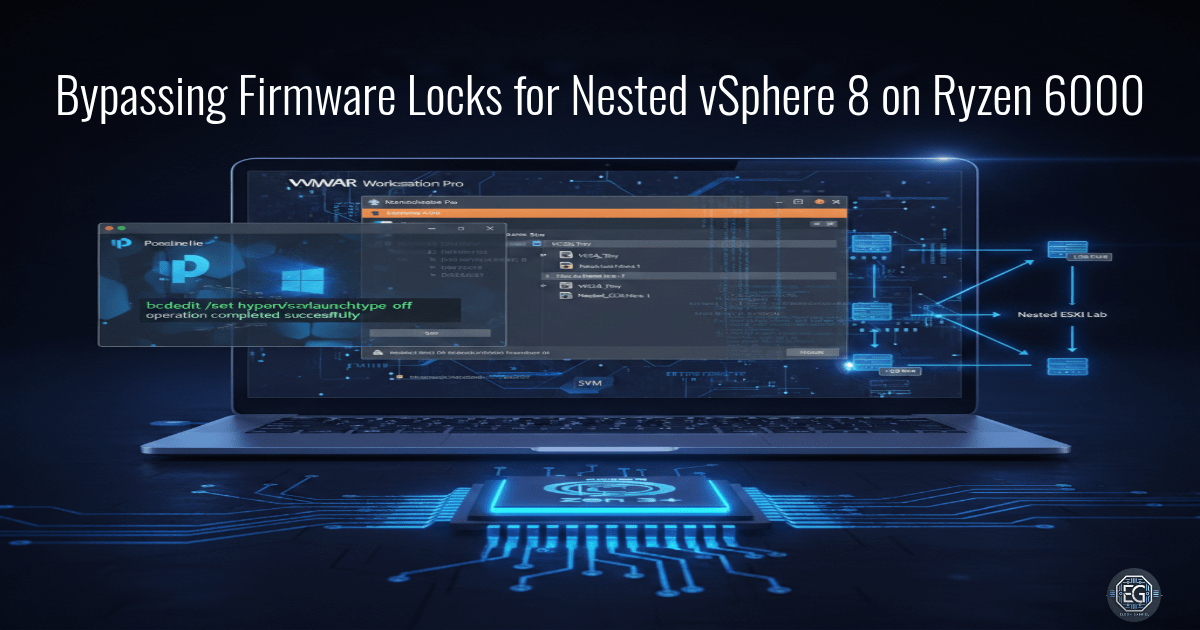
- Recovery Testing: Confirmed the bcdedit hypervisor launch type was set to “off” to prevent host-level hypervisor interference.
2.0: CONCLUSION
2.1 Key Takeaways
- Hardware Awareness: Mobile AMD Ryzen chipsets often hide advanced virtualization settings in non-standard UEFI menus.
- Security Conflict: Modern Windows security features like VBS and Memory Integrity are fundamentally incompatible with nested Type-1 hypervisors.
- Least Functionality: Configuration changes must be documented and reversed post-task to maintain the security baseline of the host system.
2.2 Security Implications & Recommendations
Risk: Reduced Host Defense Posture Disabling VBS, LSA protection, and Memory Integrity removes critical layers of defense against kernel-mode exploits and credential theft.
Mitigation: Only disable these features in a controlled lab environment and utilize the provided PowerShell scripts to re-enable all protections immediately after the research task.
Risk: Firmware Instability Modifying hidden UEFI settings can lead to system hang or failure to POST if the NVRAM becomes corrupted.
Mitigation: Maintain a documented recovery procedure, such as the battery pin-hole CMOS reset, and keep firmware backups accessible.