
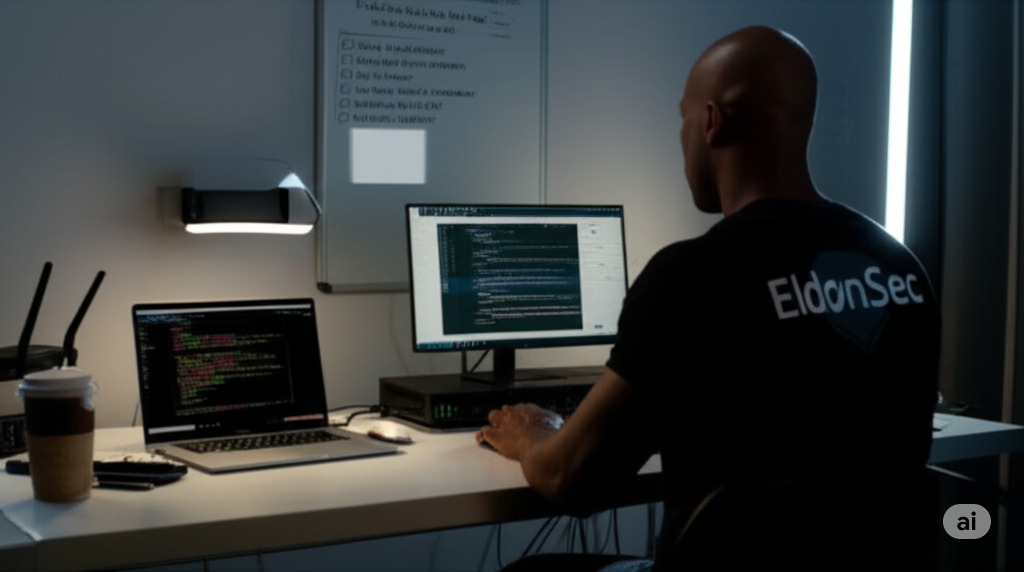
I’m nearing the end of the Virtualization Fundamentals module, with 7 out of 9 labs completed. I completed key system admin tasks using VMware Fusion on macOS with the M2 chip.
This experience gave me a strong understanding of virtualization, which is a core skill in both offensive and defensive cybersecurity.
What I’ve Accomplished
Network Modes in VirtualBox I studied VirtualBox network types like NAT, Bridged, Internal, and Host-only. I learned how each one affects isolation, traffic flow, and lab safety.
Role of Virtualization in Cybersecurity I explored how virtualization supports malware testing, attack simulations, sandboxing, and business continuity.
Lab Setup: Deploy Virtual Machines I created multiple VMs across different platforms. These were used for testing, patch validation, and access control checks.
Lab Setup: Install Windows Subsystem for Linux (WSL2) I installed and configured WSL2 to run Linux tools on Windows, improving workflow efficiency.
Lab Setup: Create a Virtual Machine in VMware I built VMs using Kali Linux and Windows 11 ARM64 on macOS M2. I configured NAT networking and solved compatibility issues using drivers and firewall tuning.
Lab Setup: Deploy a Virtual Machine in GCP and AWS I deployed cloud VMs and learned how to manage SSH keys, firewall rules, and secure access.
Research & Explanation
-
Studied VirtualBox network configurations
-
Researched how virtualization supports cybersecurity operations
Up Next Research & Explanation
-
Create a Snapshot of a Virtual Machine Learn how to roll back systems to a safe state
-
Install and Configure VMware ESXi with vSphere Work with enterprise-level virtualization and system management
Why Virtualization Skills Matter
-
Red Teams: Use isolated environments to safely test attacks
-
Blue Teams: Use VMs for monitoring, analysis, and recovery
-
Virtualization supports safe testing, fast recovery, and controlled environments
What’s Next on My Journey
-
Finish ESXi and vSphere setup
-
Complete reports and video submissions
-
Apply snapshot and rollback methods in malware labs
Update: Virtualization Fundamentals Completed (July 18, 2025)
I completed the final two labs:
Create a Snapshot of a Virtual Machine Learned how to roll back systems for safe testing
Install and Configure VMware ESXi with vSphere Set up enterprise virtualization and managed both Windows and Linux VMs
Completing this module strengthened my virtualization skills across local systems, cloud platforms, and enterprise tools. These skills are critical for testing, threat analysis, and incident response in real-world environments.
What’s Next
I’m moving into Networking Fundamentals to build deeper knowledge of protocols and network design.
Note: Full lab reports and videos are available upon request.