
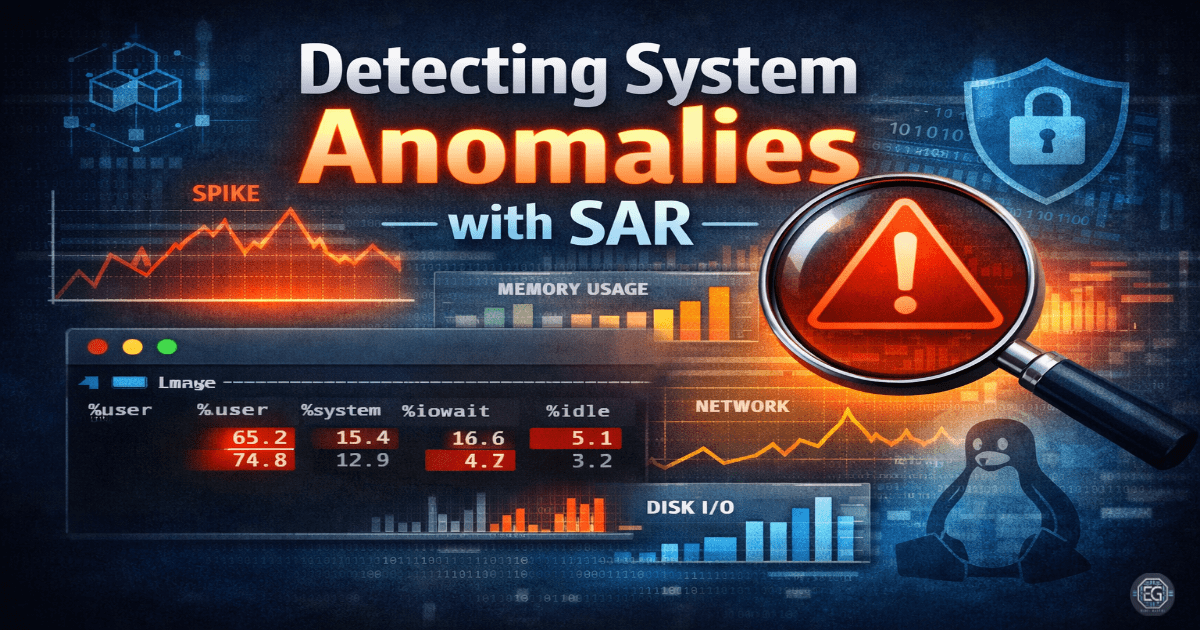
Linux Performance Monitoring with SAR
What I Studied
This exercise focused on using the System Activity Reporter (SAR) to monitor and analyze system performance on an Ubuntu 24.04.3 LTS server. The goal was to establish a performance baseline and understand how system resources behave under normal conditions.
Tools & Commands:
apt install sysstat, systemctl enable --now sysstat, sar -u, sar -r, sar -d, sar -n DEV
Key Concepts:
Performance baselining, real-time vs. historical monitoring, resource utilization, and bottleneck identification.
What I Learned
Configuration Matters:
Installing sysstat is not enough. Historical data collection must be enabled in /etc/default/sysstat for SAR to provide meaningful insights.
Resource Correlation:
High usage alone does not indicate a problem. CPU, memory, disk, and network metrics must be analyzed together to identify true bottlenecks.
Behavior Over Time:
Historical SAR data is more useful than real-time snapshots when identifying trends, anomalies, and gradual system degradation.
Operational Insight:
Resource spikes only become meaningful when analyzed in context with other system metrics.
Why It Matters
In an enterprise environment, system monitoring is critical for both performance management and security visibility.
- Unexpected spikes in CPU or network activity may indicate malicious behavior such as cryptomining or data exfiltration.
- Without monitoring, performance issues are often detected only after users are impacted.
- SAR acts like a flight recorder, capturing system behavior over time for analysis before and after incidents.
How It Maps to the Job / Framework
NICE Framework – System Administrator (SP-SYS-001):
Supports continuous system monitoring, performance tuning, and proactive issue detection.
ASD Cyber Skills Framework – Systems Installation and Decommissioning (HSIN):
Reinforces establishing performance baselines and monitoring Linux system health.
Key Takeaways
- Historical data is more valuable than real-time output for detecting trends and anomalies.
- Always correlate CPU, memory, disk, and network metrics before identifying bottlenecks.
- Performance monitoring supports both system stability and security detection.
- Establishing a baseline is essential for recognizing abnormal behavior.
Related Projects
REPORT – SAR Performance Monitoring on Ubuntu – v1.0.1