
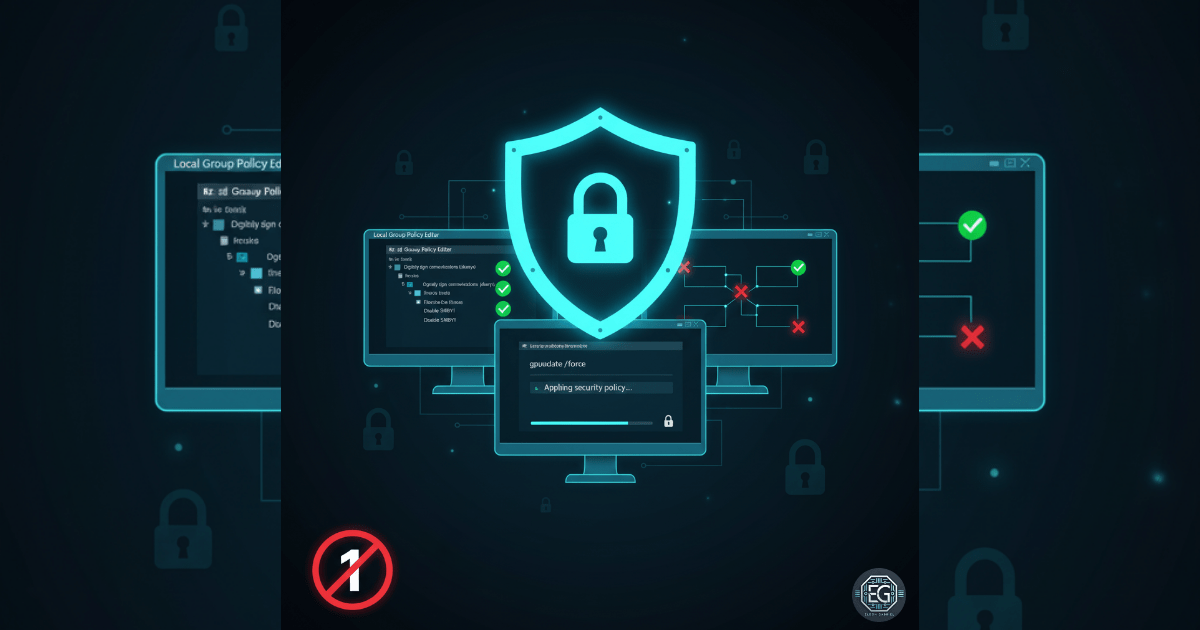

Exercise Core Function
In this exercise, I focused on hardening SMB communication on a standalone Windows 10 workstation using Local Group Policy and a registry change. The goal was to enforce secure authentication, disable legacy protocols, and prevent credential theft in a controlled environment.
What I Studied
The lab involved navigating the Local Group Policy Editor and registry paths to strengthen SMB client and server security.
Key tools and techniques applied:
- Using
gpedit.mscto apply SMB signing and protocol settings - Editing the Registry to disable SMBv1
- Verifying policy application and system behavior through PowerShell and SMB diagnostics
What I Learned
Key observations and lessons from this exercise:
- Hands-on configuration reinforces endpoint hardening skills
- Policy validation ensures intended security outcomes
- Disabling legacy protocols reduces exposure to real-world attack vectors
Why It Matters
Securing SMB traffic is critical for enterprise security:
- Prevents credential theft via packet capture or replay attacks
- Enforces data integrity and authentication through SMB signing
- Removes outdated attack surfaces by disabling SMBv1
How It Maps to the Job/Framework
- NICE (NIST): System Administration (OM-SA-001) — configuring and validating OS security controls
- ASD Cyber Skills Framework – Advanced Beginner: Secure System Configuration (SS-02) — applying policy standards and baseline hardening
Key Takeaways
- SMB signing enforces integrity and authentication, stopping replay and tampering attacks
- Disabling SMBv1 removes legacy attack surfaces, applying Least Functionality
- Idle session timeouts reduce exposure windows for abandoned sessions
- Local Group Policy enables repeatable, scalable endpoint hardening
See my report below for a complete technical summary and validation of this lab exercise: